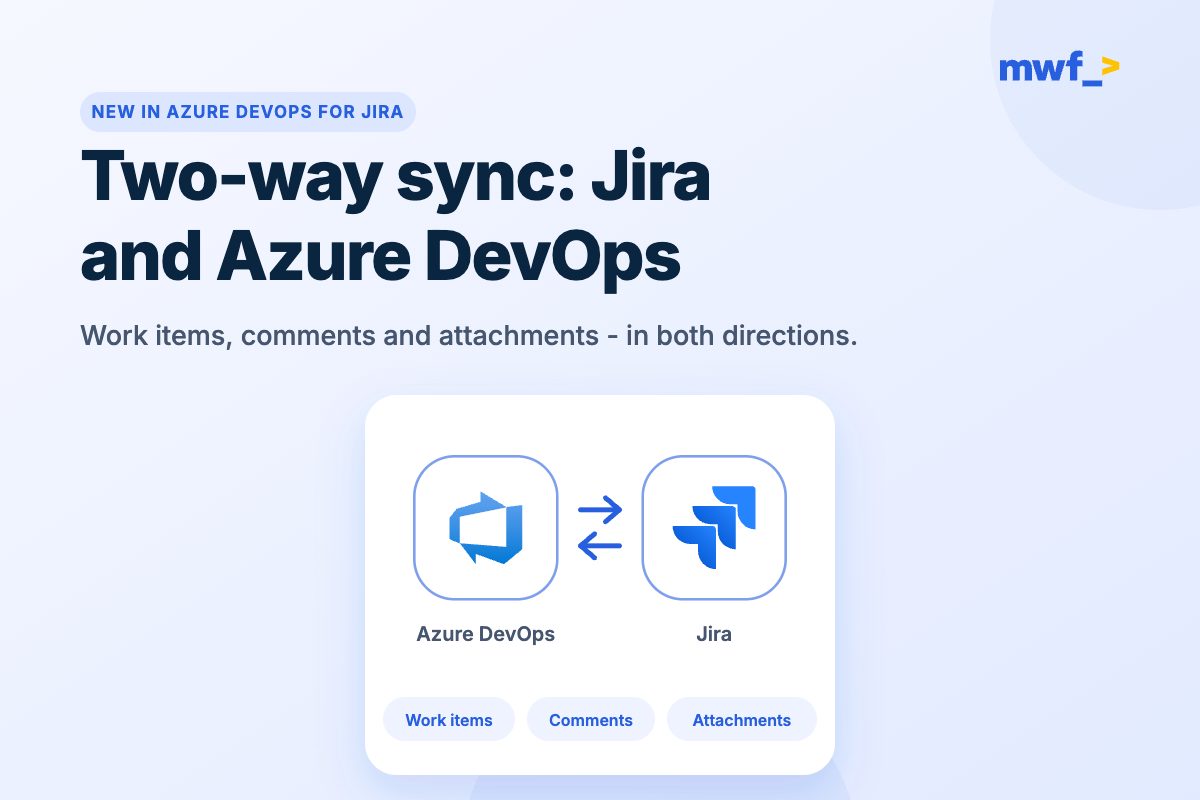







































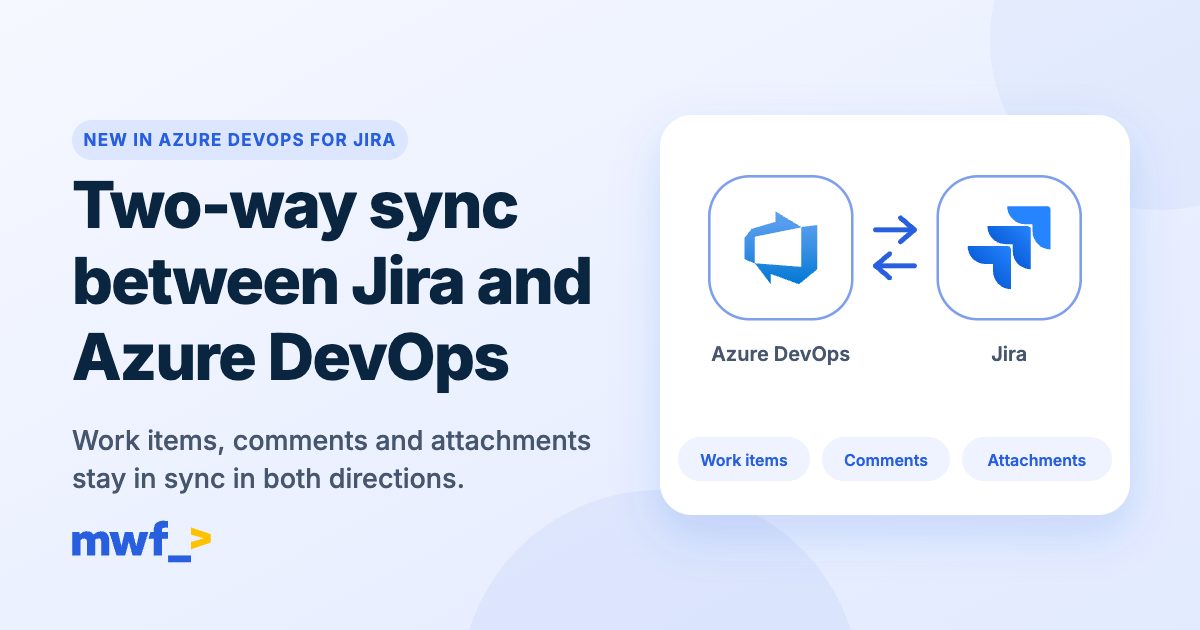
Since we launched two-way sync between Jira and Azure DevOps in October, many of you have put it to work and sent us feedback. The biggest ask was simple: when a sync fails, show me why. This update does that, and fixes the field and comment cases you reported along the way.
Try Azure DevOps for Jira free on the Atlassian Marketplace →
See every sync in the audit log
Until now, a failed sync was silent: you only noticed when data was missing or out of date. The new Audit log tab on the Work Items Sync admin page records every sync attempt and its outcome, so Jira admins can see what happened without opening a support ticket.
Each record shows:
- When and which way: the time and the direction, Jira to Azure DevOps or Azure DevOps to Jira.
- What was synced: the Jira issue and the Azure DevOps work item, linked, plus the synchronization that ran.
- What triggered it and what it did: a create, update, comment, attachment, status or field change.
- The outcome: success, skipped or failed. For skips and failures you get a plain-language reason, the fields involved and the error returned by Jira or Azure DevOps.
Most failures are things an admin can fix in a minute once they can see them: a field that is required on one side but not the other, a mapping between incompatible fields, a missing permission or an expired Personal Access Token. Each record also carries a reference ID, so if you do need our help, support can find it straight away.
Manage all your links from the Links tab
Links between Jira issues and Azure DevOps work items used to be visible one issue at a time. The new Links tab lists all of them in one place, newest first, with the Jira issue, the work item, the synchronization, the direction, the last operation from the audit log and the date the link was made.
Filter by Jira issue key, work item ID, synchronization, direction, status or date. Each row lets you open its audit history, re-sync a live link, or remove a link you no longer need.
The Links tab also helps when you rebuild a synchronization. If you delete one and create it again for the same projects, existing pairs now reconnect and keep syncing. Links left without a synchronization show as Orphaned, with a note on whether they will reconnect on the next update, and you can reconnect them right away.
Fields that sync the way you expect
- People fields: custom identity (user) fields now sync in both directions, including when a value is cleared.
- Mapping checks: if you map two fields that can't hold the same kind of value, for example a single-user field to a multi-user field, you see a warning when you save instead of a failed sync later.
- Required fields: setup no longer marks a field as required just because a conditional "make required" rule exists in Azure DevOps.
- Labels and tags: Azure DevOps tags with spaces now arrive as Jira labels (
release candidatebecomesrelease-candidate), and labels you remove in Jira are removed from Azure DevOps too. - Images in comments: an image posted in a comment now shows inline on the other side, even if attachment sync is switched off.
- The right reporter: when a work item creates a Jira issue, the reporter is the Jira user mapped to the person who created the work item. If there is no mapping, or the app isn't allowed to set the reporter in that project, the issue is still created and the audit log notes why.
Easier to get started
The app's Get Started page now has a direct way into Work Items Sync, feature cards stay folded until you open them, so it's clear that setting up the development panel isn't required before you sync, and a tab bar makes it easy to move between feature pages.
Good to know
- Where to find it: Jira admin settings → Marketplace apps → Azure DevOps → Work Items Sync, next to the Synchronizations and Integrations tabs.
- Admins only: the Audit log and Links tabs are available to Jira admins.
- Comment authors: comments synced into Jira are posted by the app with the original author's name at the start, because Jira and Azure DevOps don't let apps post comments as another user.
For setup details, see Two-way work item synchronization in our documentation.
Keep reading
- Two-way sync between Jira and Azure DevOps is here
- Azure DevOps for Jira app and integration features
- Jira Automation with Azure DevOps: complete guide
More new from Move Work Forward
- Work with Jira from Microsoft 365 Copilot
- Jigit Cloud now connects to GitHub Enterprise and self-managed GitLab
- Moving Jira to Cloud? Bring your Microsoft Teams setup with you
Try it today
The audit log, the Links tab and the sync fixes are live for all Azure DevOps for Jira Cloud customers. Not using it yet? Start a free trial and have your first synchronization running in minutes.