Model Viewer for Jira
View 2D and 3D CAD models directly in Jira issues - open DWG, SolidWorks, STEP, and 70+ formats without CAD software installed



View 2D and 3D CAD models directly in Jira issues - open DWG, SolidWorks, STEP, and 70+ formats without CAD software installed
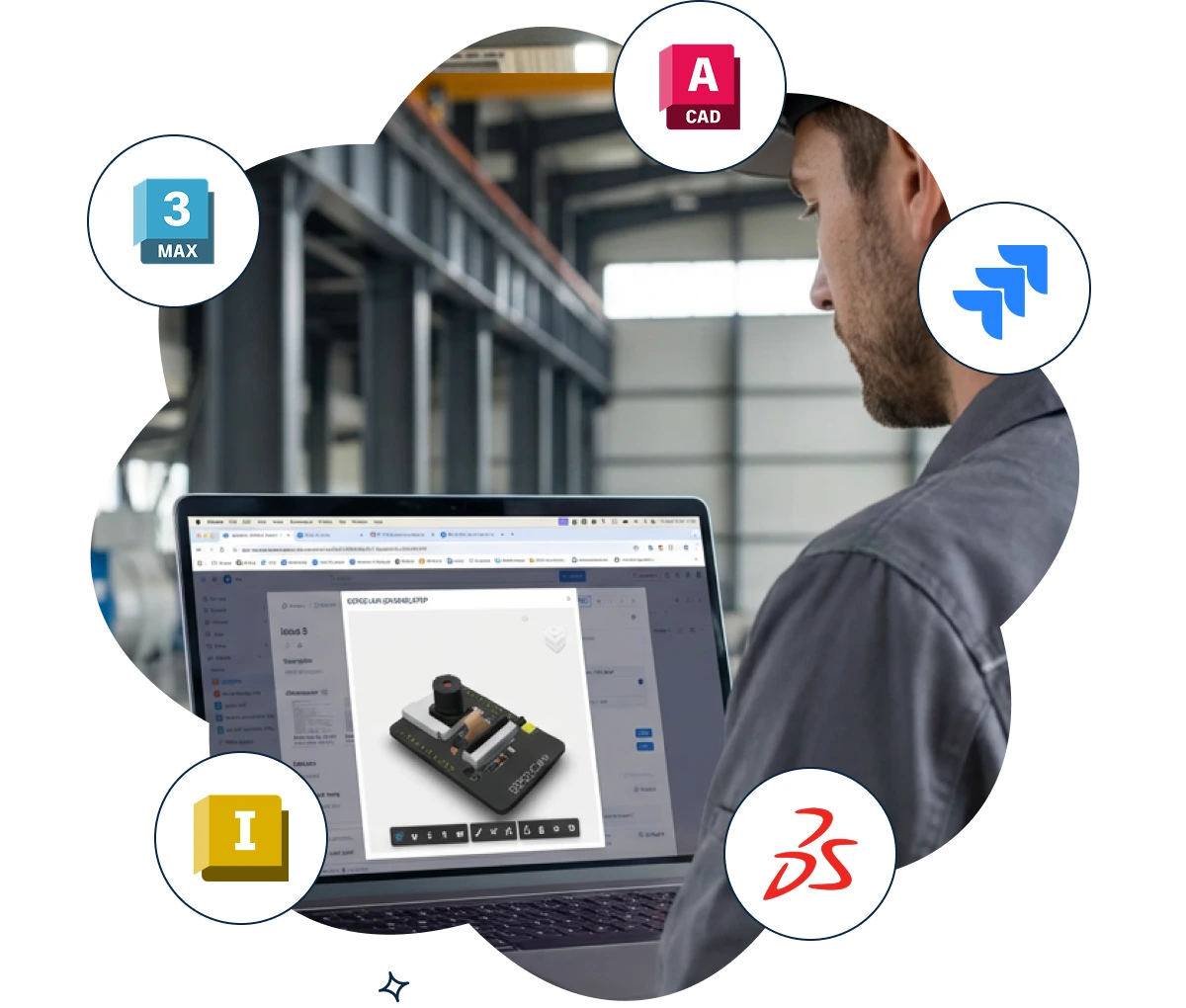


Open any attached CAD file directly in the Jira issue view. Zoom, pan, rotate, cross-section, and isolate individual parts — all in the browser.
Give product managers, QA, support, and operations teams the visual context they need to understand engineering work, without a CAD license.

CAD software licenses are expensive and complex. Model Viewer for Jira lets your entire team — not just engineers — preview and explore attached CAD files.
Ideal for cross-functional workflows: design reviews, defect tracking, engineering change requests, supplier quality issues, and customer support escalations.

2D Drawings: AutoCAD DWG, DXF, PDF
3D Modeling: SolidWorks, CATIA, Inventor, Creo, Siemens NX, Solid Edge, Fusion 360
BIM & AEC: Revit (RVT), IFC, Navisworks (NWD)
Neutral Formats: STEP, IGES, Parasolid, ACIS, JT, STL, OBJ, FBX, 3MF, glTF
Files render directly in the browser — no plugins, no conversions, no additional software.
When engineers attach CAD files to Jira issues, the rest of the team is left guessing. Product managers can't see what changed. QA can't visualize the part they're testing. Support can't understand the customer's design problem. Model Viewer for Jira fixes this. Open any 2D drawing or 3D model directly inside a Jira issue - zoom, rotate, pan, cross-section, and inspect part properties without installing CAD software. Use it for design review workflows, manufacturing defect tracking, engineering change requests, and customer support tickets involving technical drawings. Every team member gets the visual context they need to make decisions faster - no more "can you send me a screenshot?" Works seamlessly alongside CAD 2D and 3D Model Viewer for Confluence for full engineering workflow coverage across your Atlassian stack. Supports 70+ CAD formats: AutoCAD (DWG, DXF), SolidWorks (SLDPRT, SLDASM), CATIA, Inventor, Revit, Fusion 360, Creo, Siemens NX, STEP, IGES, IFC, STL, OBJ, glTF, and more. SOC 2 Type II certified. Trusted by 7,000+ businesses.


Product teams work with CAD files but Jira tracks issues separately from design assets. Engineers and product managers can't reference 3D models within issue context.
The challenge: Team members download CAD files to understand issues, switching between Jira and CAD software wastes time, and design references get lost when files are scattered across folders.
How Model Viewer for Jira helps:
The result: Engineers understand issues faster with design context visible, teams reduce overhead from managing scattered files, and issue resolution accelerates when CAD models are accessible directly in Jira.
Design reviews require stakeholders to examine CAD models and discuss changes, but reviewing files outside Jira fragments conversations. Design feedback gets separated from issue tracking.
The challenge: Design reviews require downloading files and launching CAD software, collaborative feedback happens in email rather than in Jira, and tracking which design version was approved becomes difficult.
How Model Viewer for Jira helps:
The result: Design reviews complete faster when stakeholders can view models in Jira, feedback is consolidated in one place alongside issue discussion, and design approval processes become more transparent and auditable.
Product managers, QA engineers, and stakeholders need to understand design details but can't open CAD files without expensive software. Design context becomes inaccessible to team members without CAD licenses.
The challenge: Team members without CAD software can't visualize issues, explanations become lengthy and ambiguous, and non-technical stakeholders struggle to provide meaningful input on design issues.
How Model Viewer for Jira helps:
The result: Non-technical stakeholders understand design issues better, teams reduce CAD software license costs, and issue discussions become richer when all team members can visualize the design.

We prioritize customer data privacy with GDPR-compliant data collection and processing.