Autodesk Construction Cloud for Outlook
Integrate Outlook with Autodesk Construction Cloud.


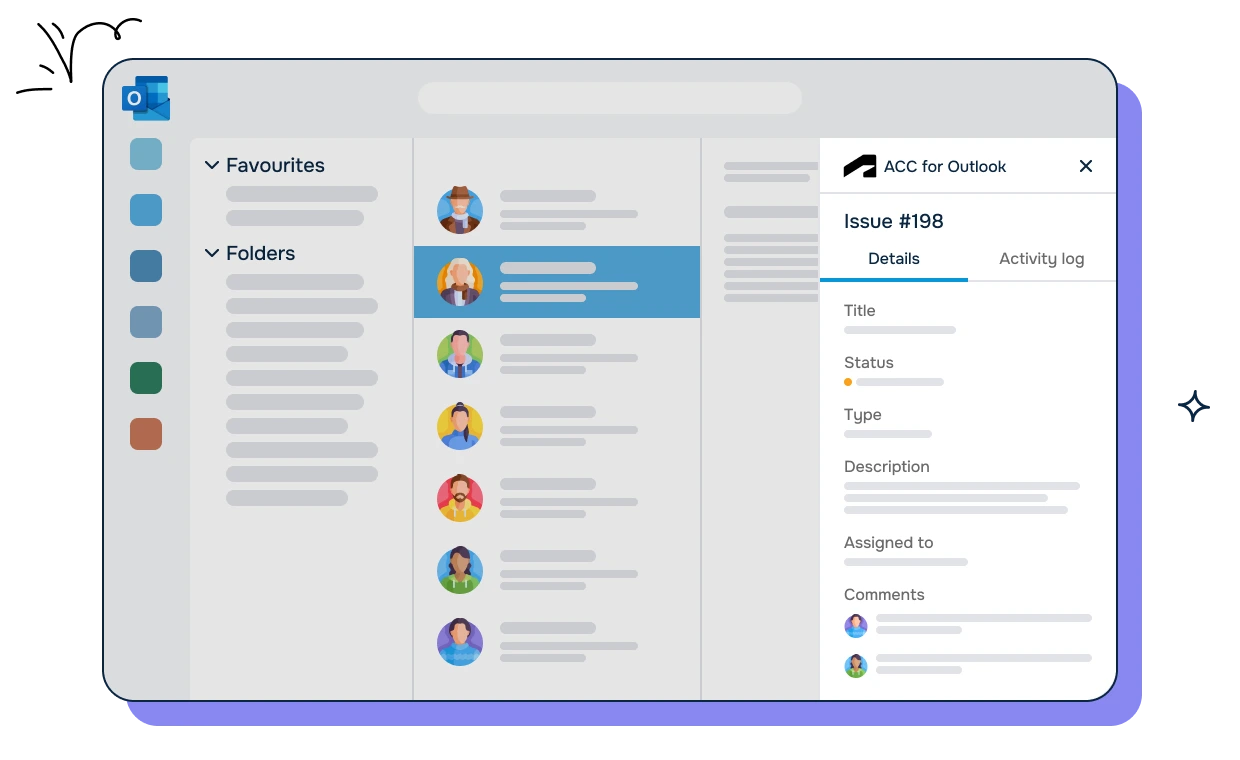
The Outlook sidebar displays related Autodesk Construction Cloud issue information. Resolve issues with ease.
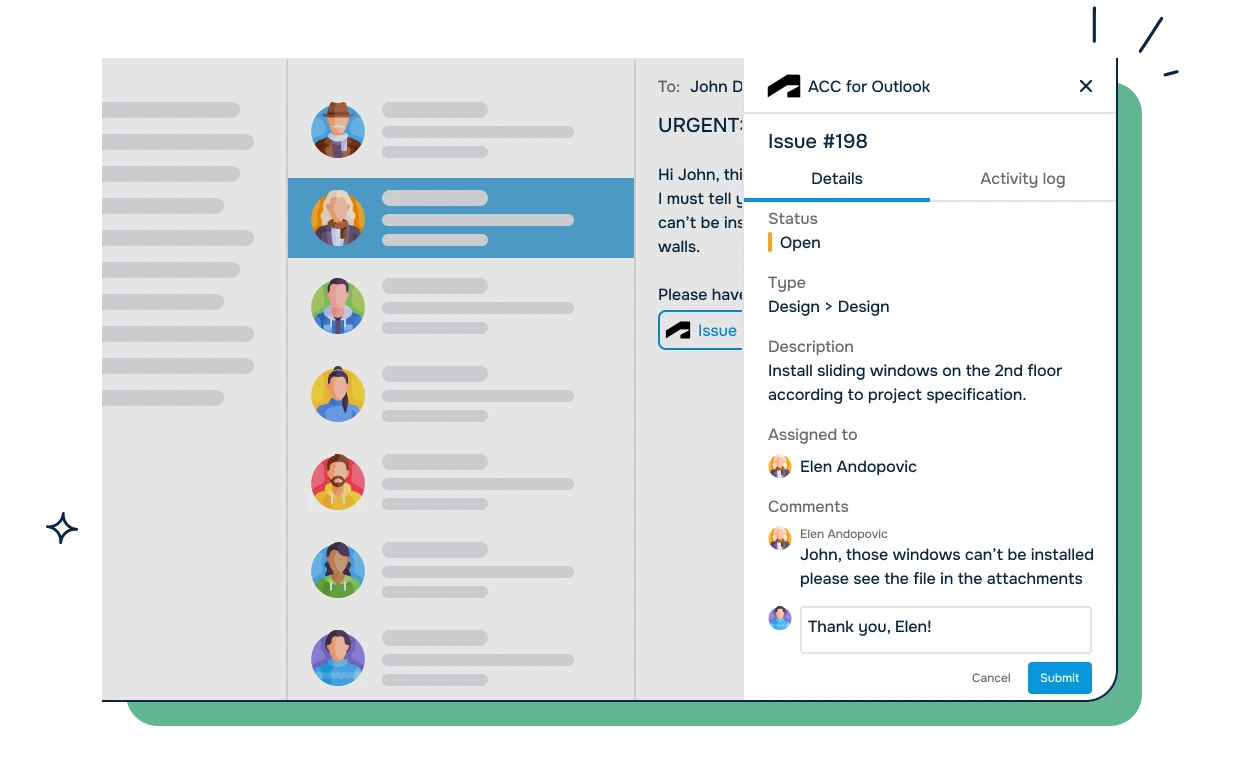
Comment or update Autodesk Construction Cloud issues directly from Outlook. Save time. Resolve issues faster.
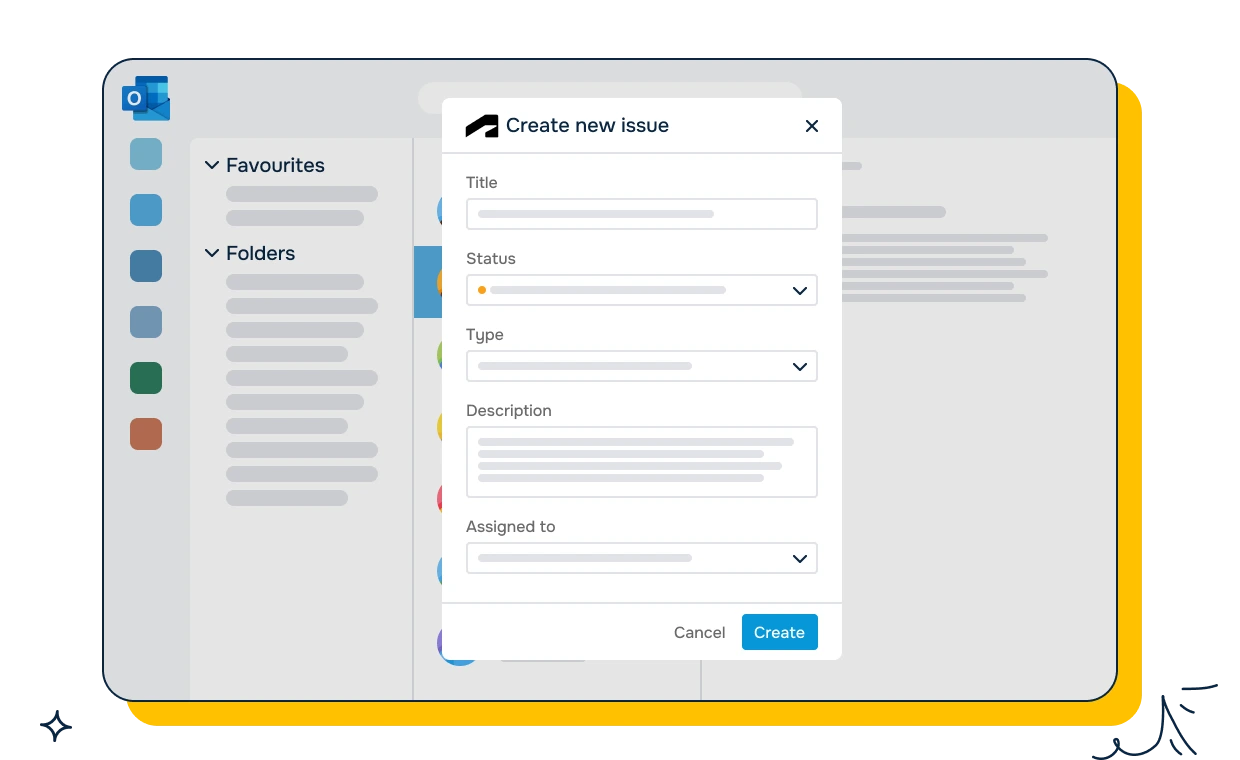
Save time by converting emails into Autodesk Construction Cloud issues. Include attachments. More convient.
Connect Autodesk Construction Cloud issues to Outlook emails in Microsoft 365. Simply access relevant ACC information in your Outlook inbox and share, read or send emails in your Autodesk Construction Cloud issues.


A construction project manager receives dozens of emails daily related to active projects. Many of these emails contain questions about RFIs, submittals, and document approvals that live in Autodesk Construction Cloud. The manager needs to cross-reference each email with the corresponding ACC record.
The challenge: The manager reads an email about a submittal, then opens a browser tab to log into Autodesk Construction Cloud, navigates to the right project, and searches for the submittal. This context switching happens 20-30 times per day, eating into time that should be spent on project coordination.
How ACC for Outlook helps:
The result: The manager saves over an hour per day by eliminating repetitive tab switching. RFI response times improve because the manager can review and respond from one interface.
A general contractor has field superintendents who communicate with the office through email and phone calls. When field teams report issues - weather delays, material shortages, safety observations - the office team needs to log these in Autodesk Construction Cloud for official tracking.
The challenge: Field teams send emails describing issues, but the office team must manually re-enter this information into ACC. Details get lost or altered during the re-entry process. Field photos sent as email attachments are not connected to the corresponding ACC issues.
How ACC for Outlook helps:
The result: Issue logging accuracy improves because the original field report is preserved. Field teams get faster responses because the office staff can process requests without switching between email and ACC.
A project team works with 15 subcontractors. Most subcontractors do not have Autodesk Construction Cloud accounts and communicate entirely through email. The project manager needs to share ACC documents with subcontractors and capture their responses back into ACC.
The challenge: Sharing ACC documents with external subcontractors requires either giving them ACC access or downloading documents and attaching them to emails. Responses from subcontractors come back as email attachments that then need to be manually uploaded to ACC.
How ACC for Outlook helps:
The result: Subcontractor communication is 50% faster because neither party switches between platforms. The project record in ACC stays complete even though subcontractors never log into ACC directly.

We prioritize customer data privacy with GDPR-compliant data collection and processing.