Smart links for Developers for Google Docs
Bring information into Google Docs™ from tools like GitHub, GitLab and Azure DevOps.


Bring information from GitHub, GitLab and Azure DevOps into Google Docs™. See the details of pull requests, issues, work items, repositories, etc.

Enhance technical documentation with up to date development information from GitHub, GitLab and Azure DevOps.

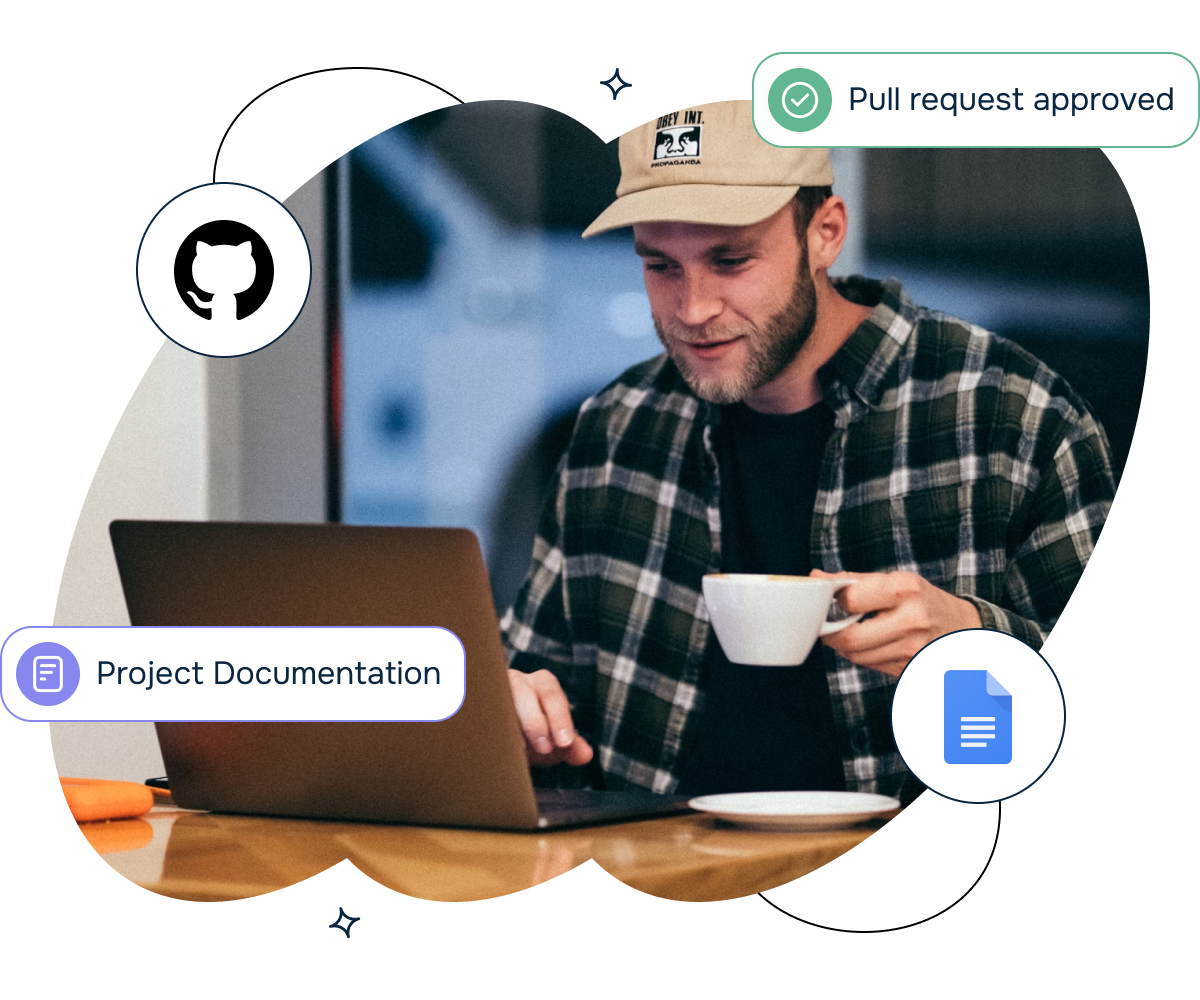
GitHub pull requests, issues, releases embedded into your Google Docs™. GitLab and Azure DevOps are supported as well.
Bring data into Google Docs™ from tools like GitHub, GitLab and Azure DevOps. Including pull requests, issues, work items and much more.


A platform team writes technical design documents in Google Docs. These documents reference GitHub repositories, pull requests, and specific code files. Stakeholders reviewing the doc need to see the current state of the referenced code without switching to GitHub.
The challenge: Writers paste plain GitHub URLs into Google Docs. These URLs are meaningless to readers who must click through to GitHub to understand what they reference. For a design doc with 15 GitHub links, the constant tab switching makes review painful. The doc also goes stale because the URLs give no indication of whether a referenced PR was merged or abandoned.
How Smart Links for Developers helps:
The result: Design documents are self-contained - readers understand every code reference without leaving Google Docs. Document reviews are faster because stakeholders spend time reading, not clicking through to external tools.
An engineering manager takes meeting notes in Google Docs during sprint reviews and planning sessions. They reference specific GitHub issues, PRs, and GitLab merge requests that were discussed. After the meeting, team members need to find and act on the referenced items.
The challenge: The manager types shorthand references like "the auth PR" or "issue 342" in meeting notes. After the meeting, team members cannot find the actual items because the references are ambiguous. Pasting full URLs makes the notes unreadable. There is no middle ground between human-readable notes and machine-actionable links.
How Smart Links for Developers helps:
The result: Meeting notes become actionable documents. Team members find and act on referenced items immediately because every code reference is a smart link with full context.
A project manager creates weekly status reports in Google Docs for leadership. The report includes development progress - features completed, bugs fixed, and upcoming releases. The PM needs to reference specific GitHub items but the audience does not use GitHub.
The challenge: The PM manually checks GitHub for the status of key items and types the information into the report. This takes 30 minutes and the information is only accurate at the moment it is written. If a PR is merged after the report is sent, the reported status is already wrong.
How Smart Links for Developers helps:
The result: Status report creation drops from 30 minutes to 10 minutes. Leadership trusts the report because the data is live, not a stale snapshot. The PM focuses on analysis instead of manual data gathering.
A senior engineer maintains onboarding guides in Google Docs for new team members. These guides walk through the codebase architecture, key repositories, important pull requests that established patterns, and open issues that new hires can tackle as starter tasks.
The challenge: The onboarding doc contains dozens of links to GitHub repos, PRs, and issues. New engineers click each link to understand what it references, constantly switching between Google Docs and GitHub. Some linked PRs have been closed or merged since the doc was written, but there is no way to tell from the doc which links are still relevant. The senior engineer spends time every month manually auditing links.
How Smart Links for Developers helps:
The result: New engineers complete onboarding 30 percent faster because they spend less time context-switching. The onboarding doc stays accurate without manual maintenance because smart chips auto-update their status.
A DevOps team is migrating repositories from GitLab to GitHub. The migration plan lives in Google Docs and tracks which repositories have been migrated, which merge requests need to be completed before migration, and which Azure DevOps work items track the migration tasks.
The challenge: The migration plan references items across three platforms - GitLab merge requests that must be completed, GitHub repositories that are migration targets, and Azure DevOps work items tracking the migration itself. The team juggles three browser tabs and the Google Doc, constantly checking status across platforms. Updating the migration plan with current statuses takes 45 minutes per week.
How Smart Links for Developers helps:
The result: Weekly migration status updates drop from 45 minutes to 10 minutes. The team catches blocked migrations faster because every item's status is visible in the planning doc. The migration completes two weeks ahead of schedule because coordination overhead is dramatically reduced.

We prioritize customer data privacy with GDPR-compliant data collection and processing.