CAD Model Viewer for Outlook
Preview 2D and 3D CAD models directly in Outlook - open DWG, SolidWorks, STEP, and 70+ CAD file attachments without CAD software



Preview 2D and 3D CAD models directly in Outlook - open DWG, SolidWorks, STEP, and 70+ CAD file attachments without CAD software



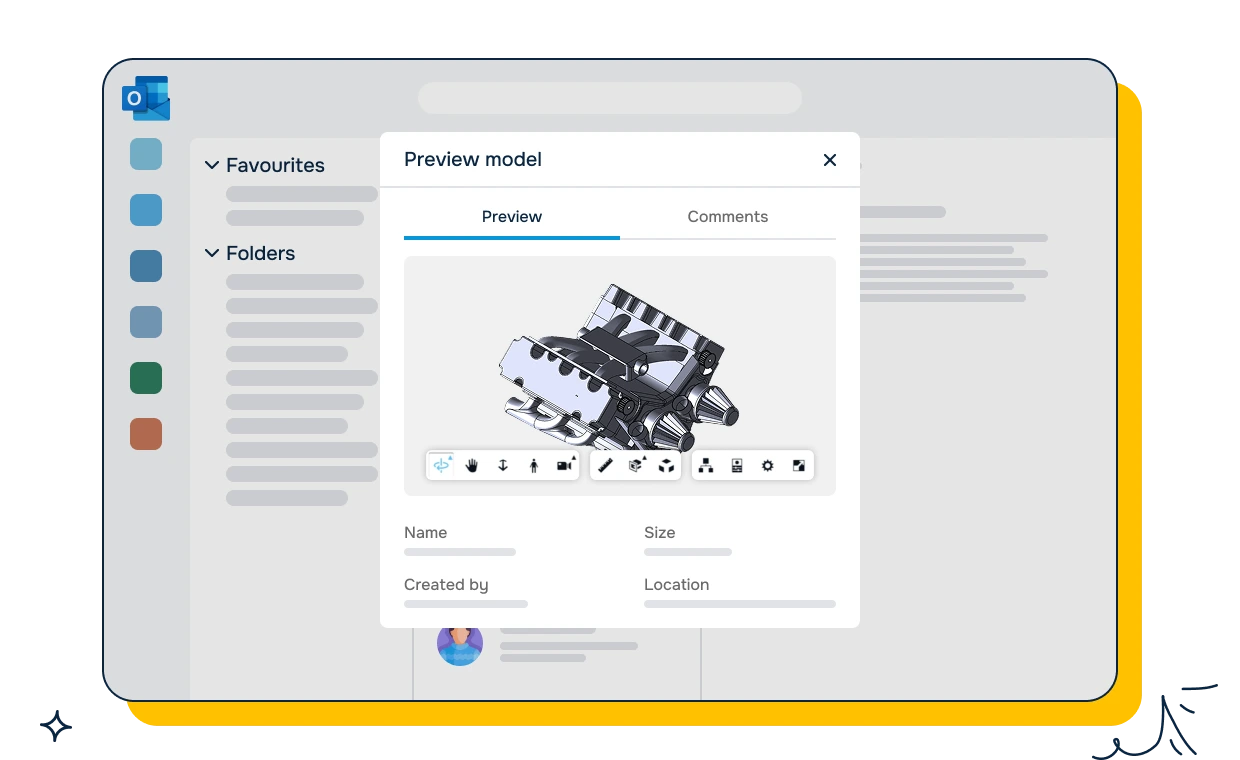
Perfect for:
Sales and account managers reviewing technical quotes and proposals
Procurement and purchasing teams verifying supplier drawings and specifications
Project managers tracking design progress from engineering partners
Quality and compliance teams reviewing inspection reports with CAD references
Customer support resolving design-related issues without escalating to engineering
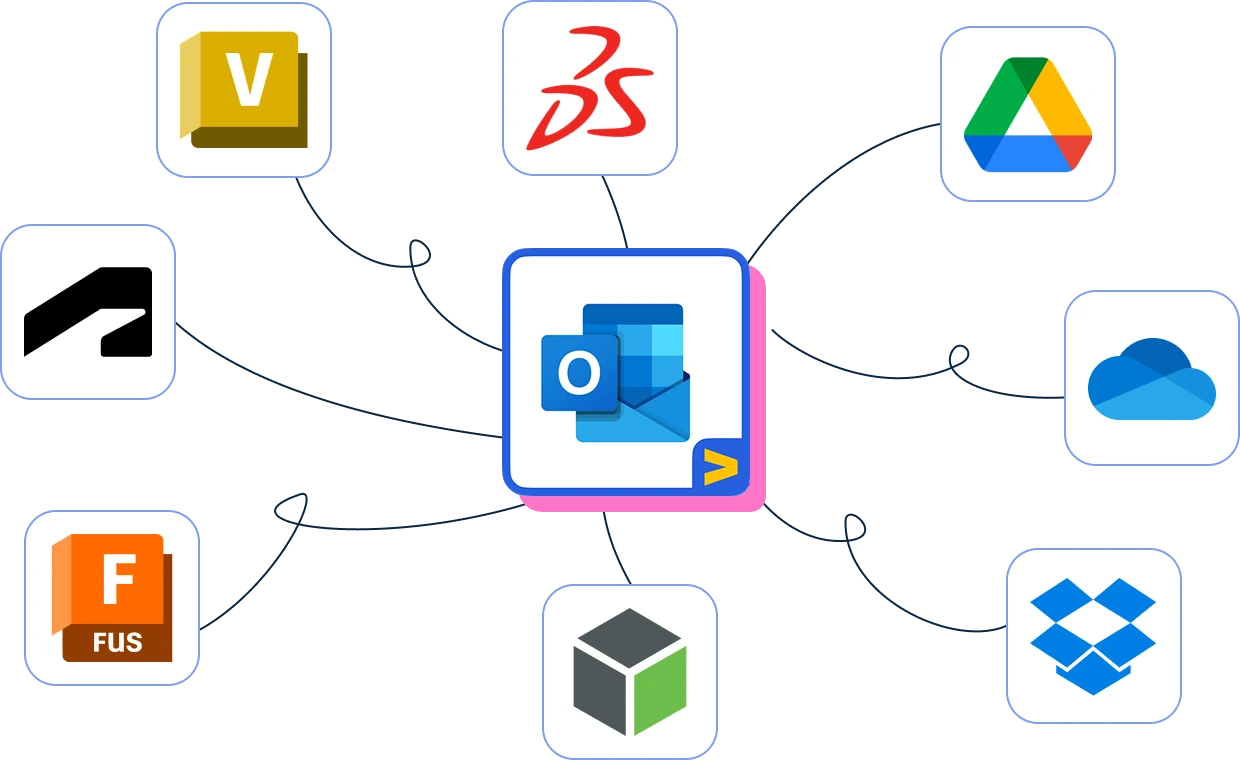
2D Drawings: AutoCAD DWG, DXF, PDF
3D Modeling: SolidWorks, CATIA, Inventor, Creo, Siemens NX, Solid Edge, Fusion 360
BIM & AEC: Revit (RVT), IFC, Navisworks (NWD)
Neutral Formats: STEP, IGES, Parasolid, ACIS, JT, STL, OBJ, FBX, 3MF, glTF
No matter which CAD tool your suppliers, partners, or engineering teams use — you can view their files instantly.
Model Viewer for Outlook doesn't just show you a picture. Dig into the details:
Bill of Materials (BOM): See every component, quantity, and material at a glance
Part Properties: Inspect metadata — dimensions, materials, tolerances, part numbers
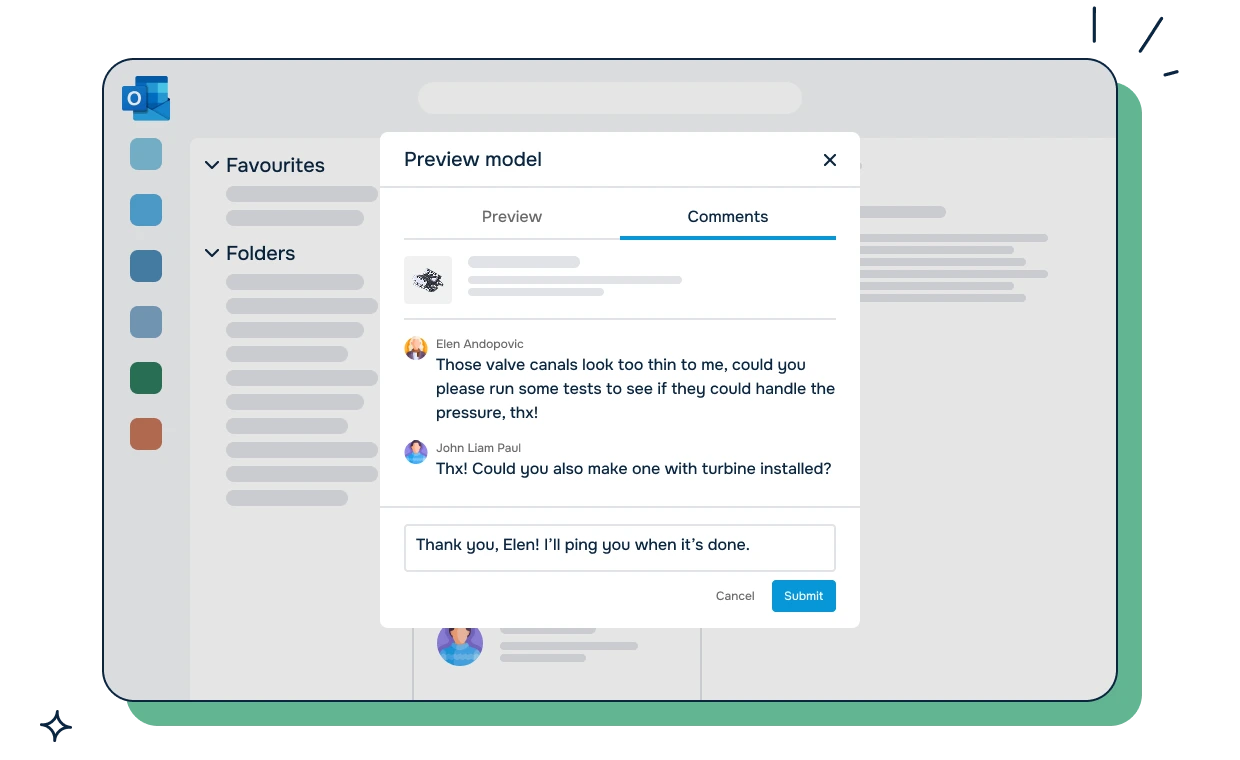
Multi-model Preview: When an email has multiple CAD attachments, see thumbnail previews of each file
Make informed decisions from your inbox — no need to forward files to engineering and wait.
Sales teams receive RFQ responses with CAD attachments they can't open. Procurement gets supplier drawings they can't verify. Project managers receive design updates they can't review. Every day, non-engineering teams waste time asking "Can someone open this file for me?" CAD Model Viewer for Outlook eliminates that bottleneck. Preview any 2D drawing or 3D model directly in your Outlook inbox - zoom, rotate, measure, inspect part properties, and review bill of materials (BOM) without leaving your email or installing CAD software. Built for sales, procurement, customer support, and project management teams who regularly receive engineering files. Open supplier drawings, verify part specifications, and review design updates the moment they arrive - no more forwarding files to engineering and waiting for a response. Part of the Move Work Forward CAD viewer suite alongside Model Viewer for Jira and CAD 2D and 3D Model Viewer for Confluence - giving your organization CAD visibility across documentation, issue tracking, and email. Supports 70+ CAD formats: AutoCAD (DWG, DXF), SolidWorks (SLDPRT, SLDASM), CATIA, Inventor, Revit, Fusion 360, Creo, Siemens NX, STEP, IGES, IFC, STL, OBJ, glTF, and more. SOC 2 Type II certified. Trusted by 7,000+ businesses.


A mechanical engineer receives emails from suppliers and partners with CAD file attachments - STEP files, DWG drawings, and SolidWorks parts. To review these files, the engineer must download each attachment, open the correct CAD application, and wait for it to load.
The challenge: Opening CAD files in full applications takes time. SolidWorks can take 30 seconds to a minute to load a complex part file. When the engineer receives 10 emails with CAD attachments in a day, the cumulative time spent opening and closing CAD applications adds up. Some file formats require different applications, and the engineer may not have licenses for all of them.
How CAD Model Viewer for Outlook helps:
The result: The engineer reviews CAD attachments in seconds instead of minutes. Supplier submissions are evaluated faster, and responses go out the same day instead of being delayed by the time needed to load files in native applications.
A procurement manager receives bids from multiple suppliers, each including CAD models of proposed parts or tooling. The manager needs to compare the designs visually before passing them to engineering for detailed review.
The challenge: The procurement manager does not have CAD software and cannot open the attached files. They must forward each email to an engineer, wait for feedback, and then compare bids based on second-hand descriptions. This adds days to the evaluation process.
How CAD Model Viewer for Outlook helps:
The result: Bid evaluation is two days faster because the procurement manager handles the initial visual review independently. Only qualified proposals are forwarded to engineering for detailed analysis, saving engineering time on obvious non-starters.
A field service technician receives work orders and technical references via email. When troubleshooting equipment on site, they need to see the 3D model of the assembly to identify parts and understand how components fit together.
The challenge: The technician is on site with a laptop but no CAD software. When they receive an email with a parts diagram or assembly model attached, they cannot open it. They call the office and ask someone to describe the model or send screenshots from specific angles, which is slow and imprecise.
How CAD Model Viewer for Outlook helps:
The result: Service calls are resolved faster because the technician has visual reference material available on site. Fewer return visits are needed because the technician orders the correct replacement parts on the first visit.

We prioritize customer data privacy with GDPR-compliant data collection and processing.