




































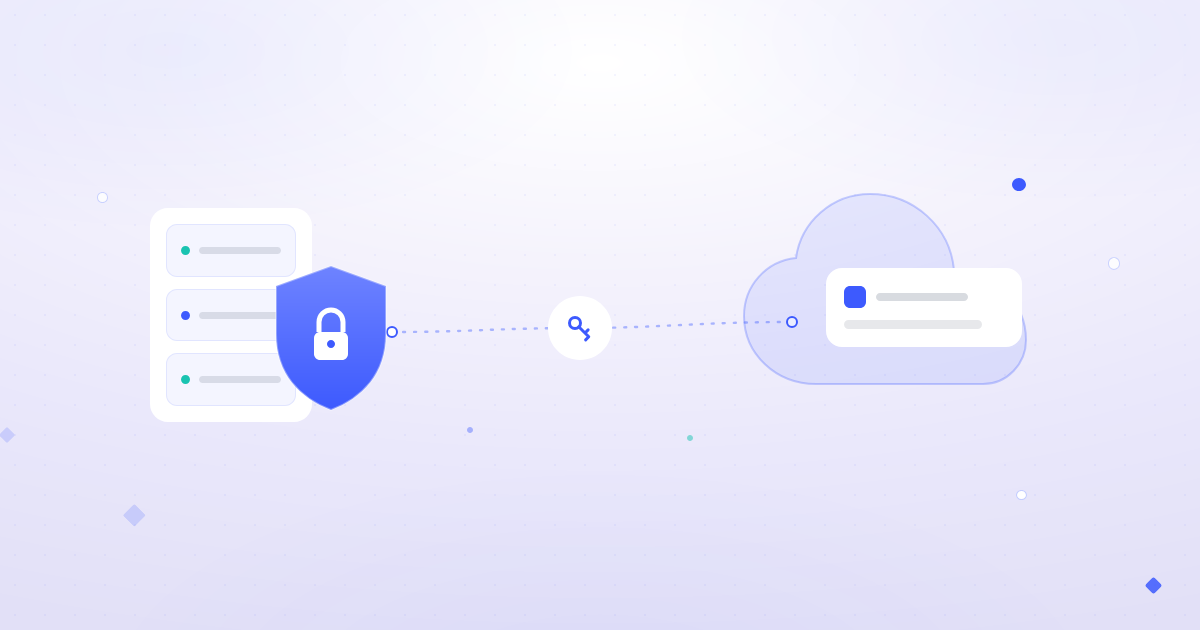
Until now, Jigit for Jira Cloud connected to GitHub at github.com and GitLab at gitlab.com. That left out many of the teams who asked for it most: companies on GitHub Enterprise, including GitHub Enterprise Cloud with data residency on GHE.com, and teams that run their own self-managed GitLab.
Jigit Cloud now connects to your own Git hosts too. Point it at your company's GitHub or GitLab address and pull requests and branches show up on Jira issues, just like they do for github.com and gitlab.com.
Try Jigit for Jira Cloud free on the Atlassian Marketplace →
What's new
- GitHub Enterprise: connect GitHub Enterprise Cloud on your own
*.ghe.comsubdomain, or your company's own GitHub Enterprise host. - Self-managed GitLab: connect a GitLab instance your team runs itself, not only gitlab.com.
- Same Jigit features: pull requests and branches linked by Jira issue key appear in the Jigit Development panel on the issue, with webhooks for real-time updates.
- One app for every host: mix github.com, GitHub Enterprise, gitlab.com, self-managed GitLab and Gerrit in the same Jira site.
Who it's for
- Teams with data residency rules who moved to GitHub Enterprise Cloud on GHE.com and lost their Jira integration along the way.
- Companies moving Jira to Cloud who still run GitHub or GitLab on their own servers. You no longer have to move your code to the public cloud to see it in Jira Cloud. If you're coming from Jigit Data Center, see Migrating from Data Center to Cloud.
- Groups with several Git platforms after a merger or acquisition, who want one consistent development panel in Jira.
How to connect your host
- In Jira, open the Jigit admin page and go to the Integrations tab.
- Add a GitHub or GitLab integration and enter your host's address instead of github.com or gitlab.com.
- Add a Personal Access Token from that host, then test the connection and save.
- Turn on webhooks so new pull requests and branches show up on Jira issues straight away.
For the full setup, see Jigit - Cloud Configuration in our documentation.
Good to know
- Your server must be reachable. Jigit Cloud runs in the cloud, so it needs to reach your Git host over HTTPS. If your server sits behind a firewall, allow inbound HTTPS access for Jigit first.
- Pull requests and branches, not commits only. As with other Cloud connections, Jigit Cloud indexes pull requests and branches. Smart commits remain a Data Center feature. See Supported Git providers and feature comparison.
- Using Azure DevOps? For Jira Cloud we recommend Azure DevOps for Jira, built specifically for Azure DevOps.
Keep reading
- How to connect Jira to GitHub Enterprise Server
- GitHub pull request tracking in Jira: setup guide
- Moving from Data Center to Cloud? Our apps move with you
More new from Move Work Forward
- Jira and Azure DevOps sync: audit log, Links tab and more
- Work with Jira from Microsoft 365 Copilot
- Meet Platypus: Jira dates that reschedule themselves
Try it today
Bring your GitHub Enterprise and self-managed GitLab activity into Jira Cloud. Install Jigit from the Atlassian Marketplace and start a free trial.