Google Forms Anywhere for Monday
Embed Google Forms directly into Items, Boards, Dashboards or Workdocs for seamless collaboration.


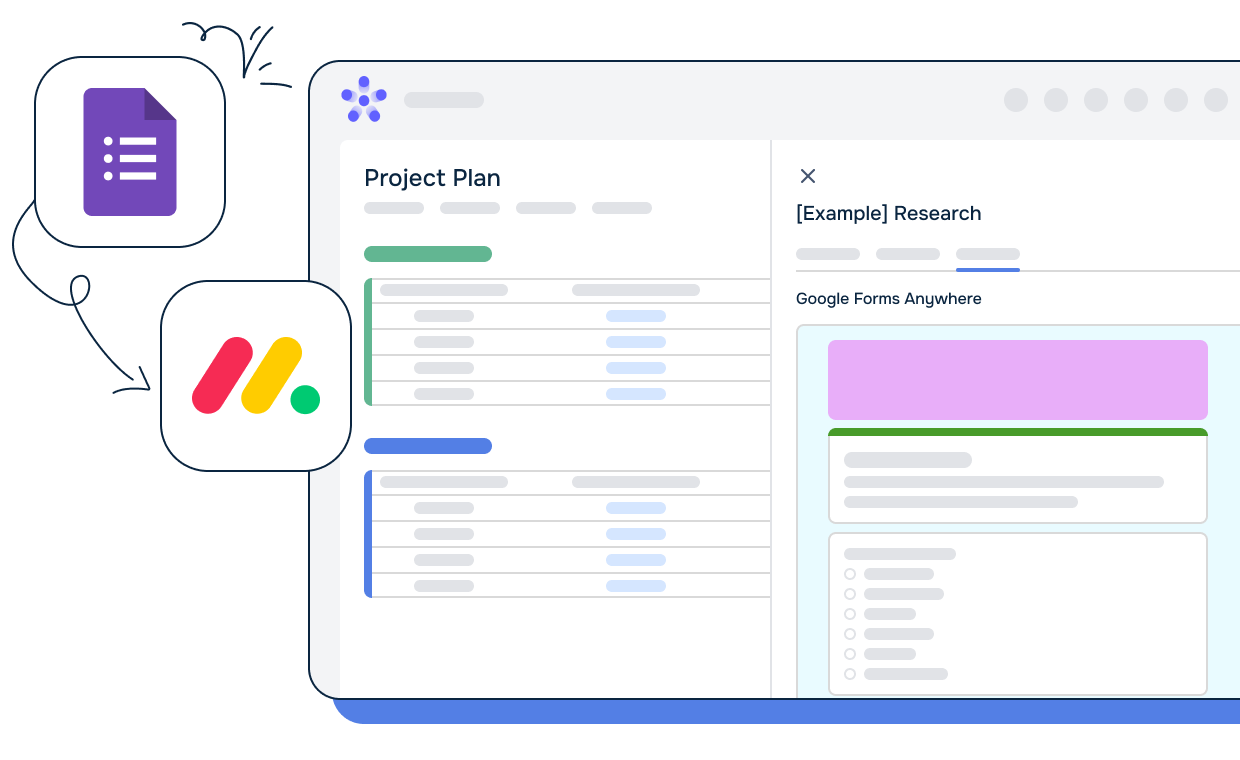
No more switching between platforms. Embed Google Forms where you work in monday.com. Capture data, feedback, and insights effortlessly.

Google Forms responses are updated in real-time within monday.com. Stay in sync and eliminate manual data entry.
🔗 Exclusive Features
✨ 1. Automate Google Form URL: Use a dedicated board column to automate the Google Form URL within the item view, making data collection even smoother.
✨ 2. Template Options: Choose between the original Google Form template or a simplified view with only the questions, giving you control over your data collection experience.
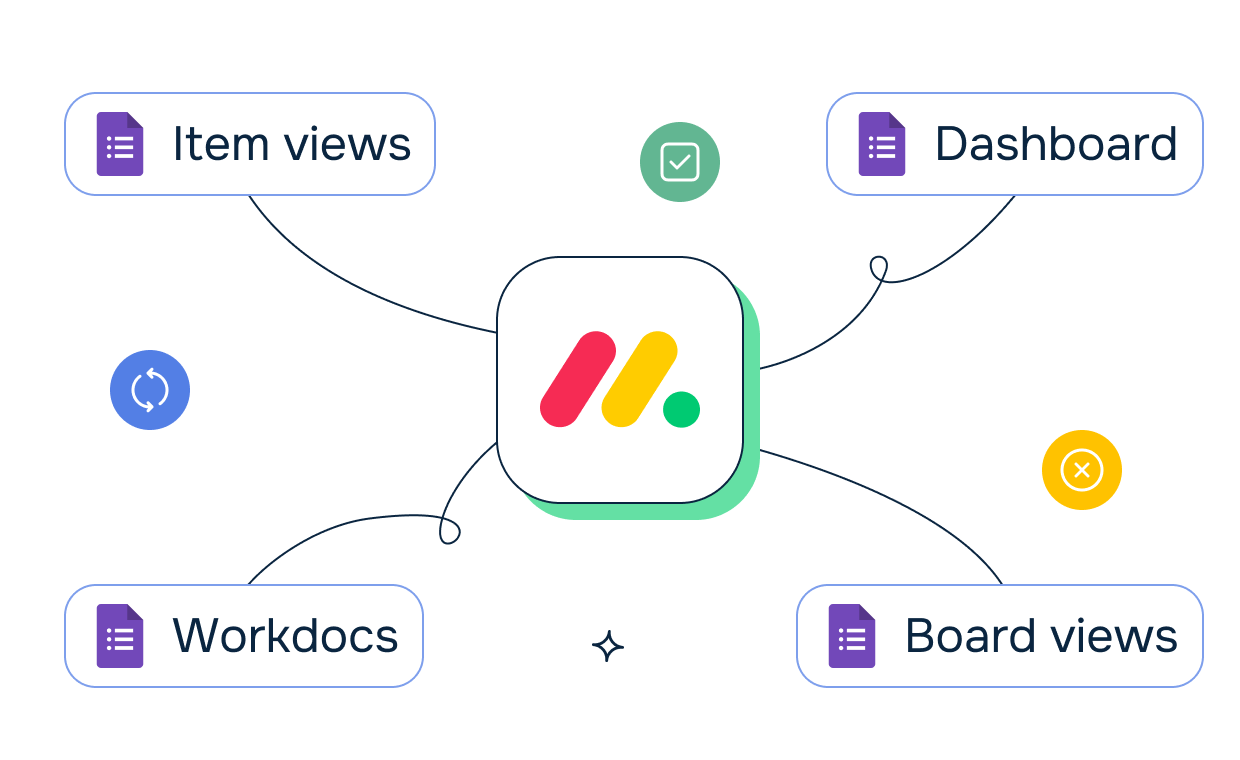
Tailor the integration to your branding. Rest assured, your data is protected following the highest security standards.
Integrate Google Forms with Monday.com to streamline and automate productivity.


Organizations need to collect customer feedback about completed projects, but feedback forms live separately from monday.com project tracking. Feedback data doesn't automatically connect to the projects being evaluated.
The challenge: Feedback is collected but not analyzed in context of the projects it evaluates, stakeholders can't see customer sentiment alongside project delivery data, and actionable feedback gets separated from the work that triggered it.
How Google Forms Anywhere for Monday helps:
The result: Feedback becomes actionable because it's connected to the project context, teams iterate faster using customer input collected right after project completion, and future projects benefit from documented feedback about similar work.
Teams receive requests through various channels, but consolidating them into monday.com requires manual data entry from forms. Request information gets duplicated and transcription errors create confusion.
The challenge: Data entry consumes time that could be spent on actual work, form responses get transcribed incorrectly into tasks, and requesters can't track their submissions through the system.
How Google Forms Anywhere for Monday helps:
The result: Request processing becomes faster and more accurate, teams reduce administrative overhead from data entry, and the organization processes requests more consistently with fewer errors or lost submissions.
Project planning requires input from multiple team members, but collecting that input through separate Google Forms and then manually updating projects is inefficient. Responses don't automatically populate planning items.
The challenge: Planning meetings are delayed waiting for team input, manual copying of responses into planning documents introduces errors, and team members forget to complete the forms because they're not visible in their daily workflow.
How Google Forms Anywhere for Monday helps:
The result: Planning meetings start on time with better data collection, response rates improve when forms are embedded in the workflow, and teams spend less time on administrative coordination and more time on actual planning.

We prioritize customer data privacy with GDPR-compliant data collection and processing.