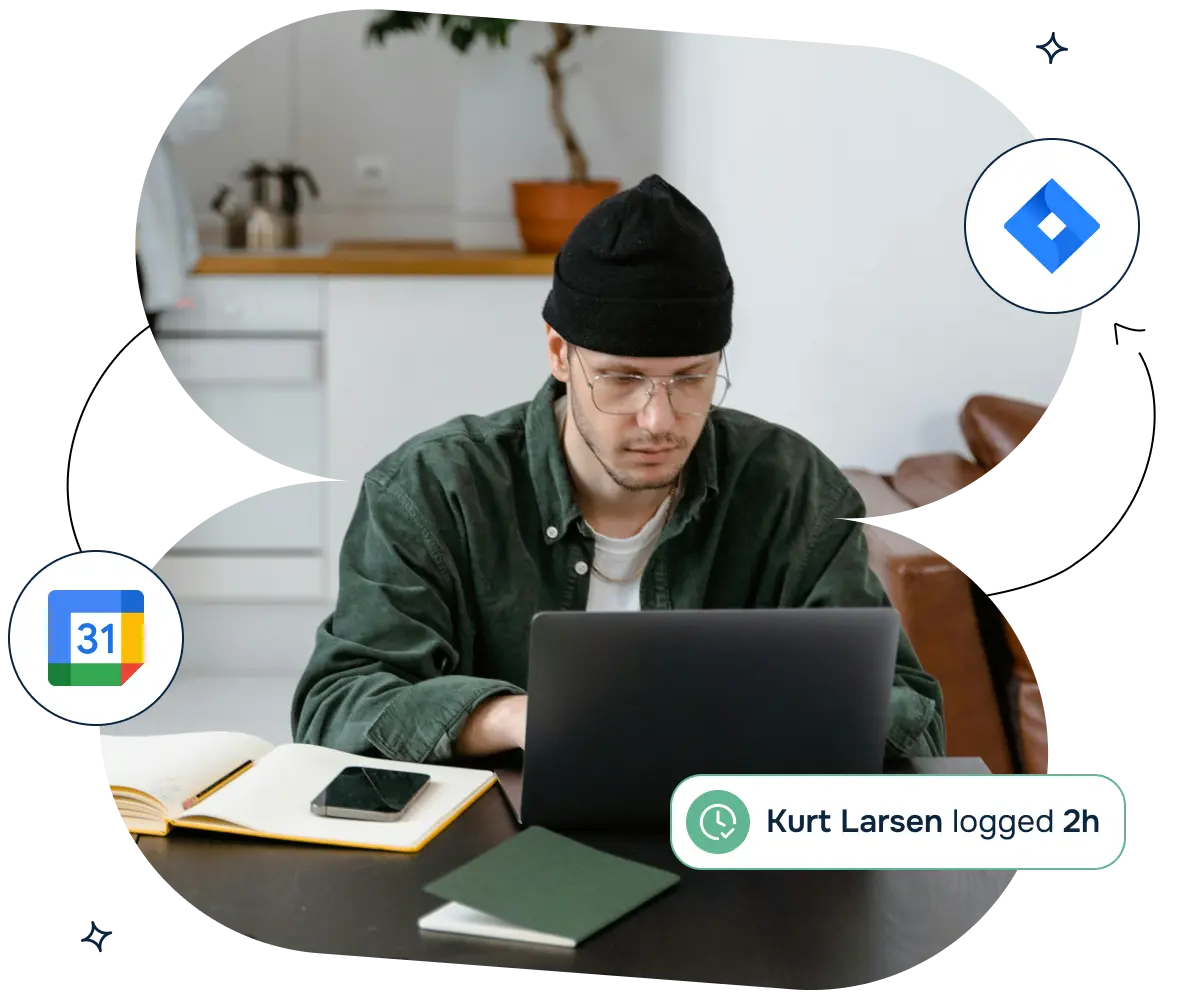
Google Calendar Event to Worklog for Jira Cloud
Create Worklogs from your Google Calendar Event.


Log time automatically in Jira from Google Calendar events, reducing manual entry errors and ensuring accurate time reporting. This streamlined process enhances project tracking and resource management.

By easily logging their time, users save time on administrative tasks, allowing more focus on core activities. This efficiency boost helps manage workloads better and prioritize tasks effectively.

Ensure work logs are always current with easy updates from Google Calendar to JIra. This eliminates the hassle of frequent log updates, maintaining an accurate record of time spent on various tasks.
What this 1-minute video to see how easy it is to log time from Google Calendar into a Jira task


An engineering manager spends 60% of their day in meetings - standups, one-on-ones, sprint reviews, and cross-team syncs. They are expected to log time against Jira issues to track how much effort goes to project management versus engineering support. Manual time logging at the end of each day takes 15 minutes and is often inaccurate because the manager forgets which meetings corresponded to which projects.
The challenge: The manager has 8-10 Google Calendar events per day. Each needs to be matched to a Jira issue for time tracking. Doing this manually means opening Google Calendar, remembering which meeting was about which project, finding the Jira issue, and creating a worklog entry. The process is tedious and error-prone.
How Google Calendar Event to Worklog helps:
The result: Time logging drops from 15 minutes per day to 2 minutes. Worklog accuracy improves because the calendar events have precise start and end times. The manager's time reports accurately reflect how their day was spent.
A consulting firm tracks billable hours in Jira for client projects. Consultants meet with clients throughout the day, and each meeting needs a corresponding worklog in Jira for billing purposes. Consultants often forget to log time after meetings, leading to revenue leakage.
The challenge: Consultants are busy with client work and deprioritize administrative tasks like time logging. At the end of the week, they try to reconstruct their hours from memory and calendar events. Missing entries mean the firm does not bill for all the time spent. Over-logging happens too, when consultants estimate higher than actual.
How Google Calendar Event to Worklog helps:
The result: The firm captures 15% more billable hours that were previously lost to forgotten time entries. Billing disputes decrease because worklogs are backed by calendar events with precise timestamps.
A Scrum Master plans sprint capacity based on each developer's availability. Developers have varying meeting loads - some have 2 hours of meetings per day, others have 6. The Scrum Master needs accurate meeting data to calculate each person's actual coding capacity for the sprint.
The challenge: Developers self-report their available hours during sprint planning, but they underestimate their meeting load. The sprint is overcommitted because the team thinks they have more coding time than they actually do. At sprint end, stories are incomplete because meetings consumed the time that was planned for development.
How Google Calendar Event to Worklog helps:
The result: Sprint completion rates improve from 70% to 90% because capacity planning accounts for actual meeting load. The team stops overcommitting and delivers on their sprint promises consistently.

We prioritize customer data privacy with GDPR-compliant data collection and processing.