











The hidden cost of CAD files outside engineering
Most modern products are designed in CAD tools - but most decisions about those products are not made in CAD tools.
Sales teams receive drawings from customers. Support teams get screenshots attached to bug reports. Procurement teams review supplier designs before approving an order. Product managers and executives are asked to “take a look” before signing off.
The problem?
Once CAD files leave engineering tools, they become opaque, inaccessible, and disruptive to the rest of the organization.
Where the workflow breaks
A common scenario looks like this:
- A supplier sends a STEP or DWG file via email
- The email is forwarded or attached to a Jira issue
- Key drawings are copied into Confluence for reference
At every step, non-engineers hit the same wall:
- They can’t open the file
- They can’t inspect dimensions or structure
- They can’t confidently approve or reject what they’re seeing
The result is predictable:
- “Can you send a screenshot?”
- “Which revision is this?”
- “Can engineering confirm?”
Decisions stall - not because they are complex, but because the information isn’t visible where the work happens.
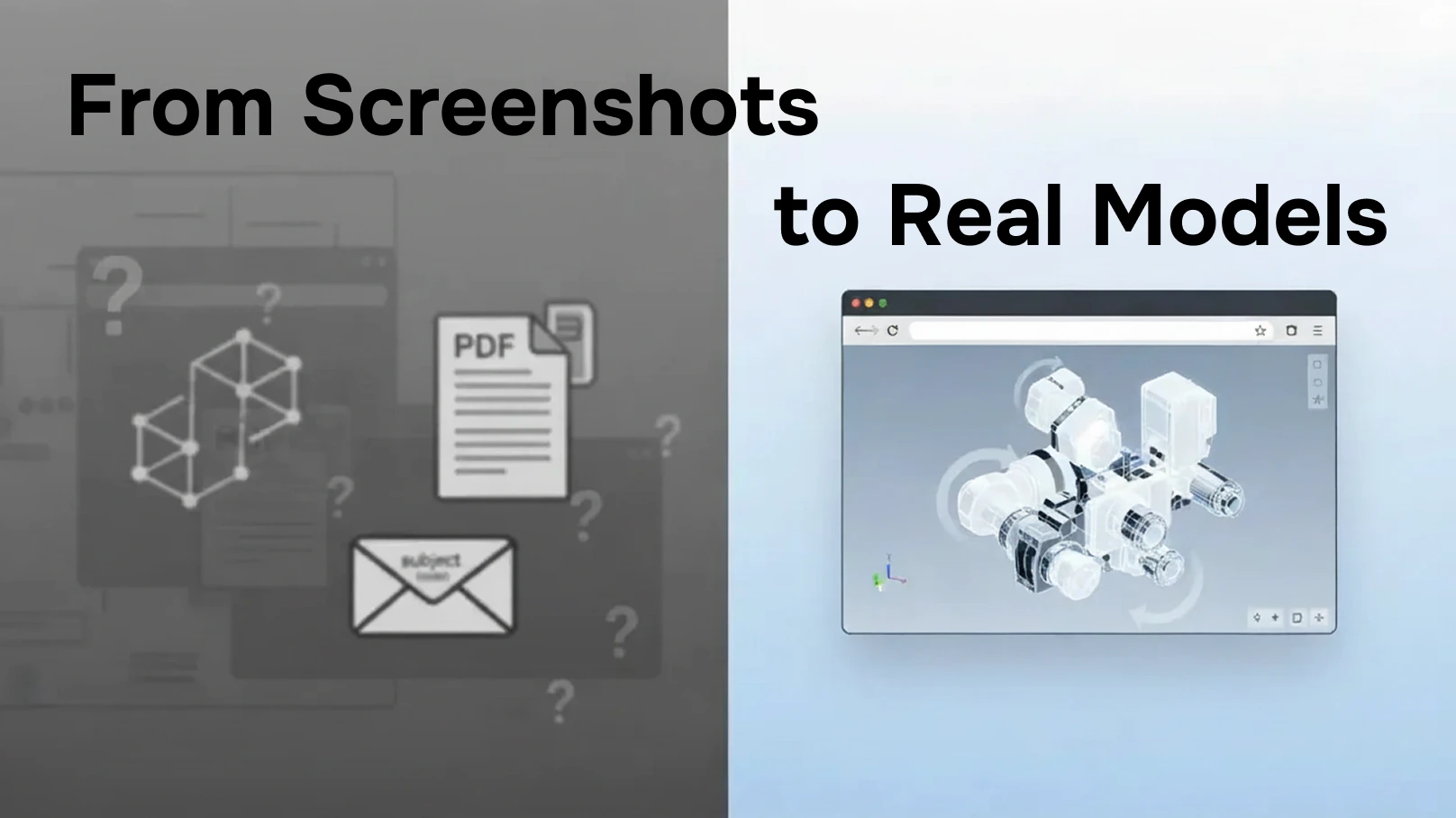
Why screenshots and PDFs are not enough
Teams often try to work around this by exporting PDFs or screenshots. That helps temporarily, but it introduces new problems:
- Screenshots lose context and detail
- PDFs are static and quickly outdated
- Visual feedback becomes disconnected from tickets and documentation
Instead of improving collaboration, these workarounds increase rework and misalignment.
The real requirement: CAD visibility across tools
Non-engineering teams don’t need to edit CAD files.
They need to see, understand, and discuss them - instantly and in context.
That means:
- Viewing models directly in email when they arrive
- Inspecting drawings inside Jira where decisions are tracked
- Embedding models in Confluence where knowledge is shared
When CAD files are visible everywhere work happens, collaboration stops being a bottleneck.
What changes when everyone can see the model
Teams that enable CAD viewing across Outlook, Jira, and Confluence see immediate improvements:
- Faster approvals without engineering involvement
- Fewer clarification meetings
- Better decisions based on real geometry, not assumptions
- Clearer communication with customers and suppliers
Most importantly, engineering time is protected, and non-technical teams become more autonomous.
Final thought
CAD files shouldn’t break workflows simply because they cross tool boundaries.
When designs are visible in email, tickets, and documentation, teams move faster—and with confidence.
See how CAD files can move seamlessly from Outlook to Jira to Confluence—without blocking your team.