




Back
View all
All posts

Why Design Reviews Fail Outside Engineering — and How to Fix Them

January 9, 2026
<a href="https://www.freepik.com/free-vector/business-team-brainstorm-idea-lightbulb-from-jigsaw-working-team-collaboration-enterprise-cooperation-colleagues-mutual-assistance-concept-pinkish-coral-bluevector-isolated-illustration_11667116.htm#query=collaboration&position=2&from_view=keyword&track=sph&uuid=21ea3c1d-7461-49c7-9157-5822c4372896">Image by vectorjuice</a> on Freepik

The problem: design reviews don’t scale beyond engineers

Design reviews often work well inside engineering teams - but they frequently fail once other stakeholders are involved.

Product managers, customer-facing teams, suppliers, and executives are asked to review designs without access to the actual models. Files are shared as attachments, links, or screenshots, and feedback arrives late, vague, or incorrect.

This leads to more meetings, more revisions, and slower decisions.

How design reviews break down in practice

A typical design review outside engineering looks like this:

  • CAD files shared via email or attached to Jira
  • Reviewers cannot open or interact with the files
  • Feedback is based on assumptions or outdated exports
  • Engineers must reinterpret comments later

As one team explained:

“Design reviews used to happen in meetings because no one could review the files beforehand. Once models were accessible in Confluence, feedback became asynchronous and far more precise.”

The issue is not collaboration - it is lack of visual access.

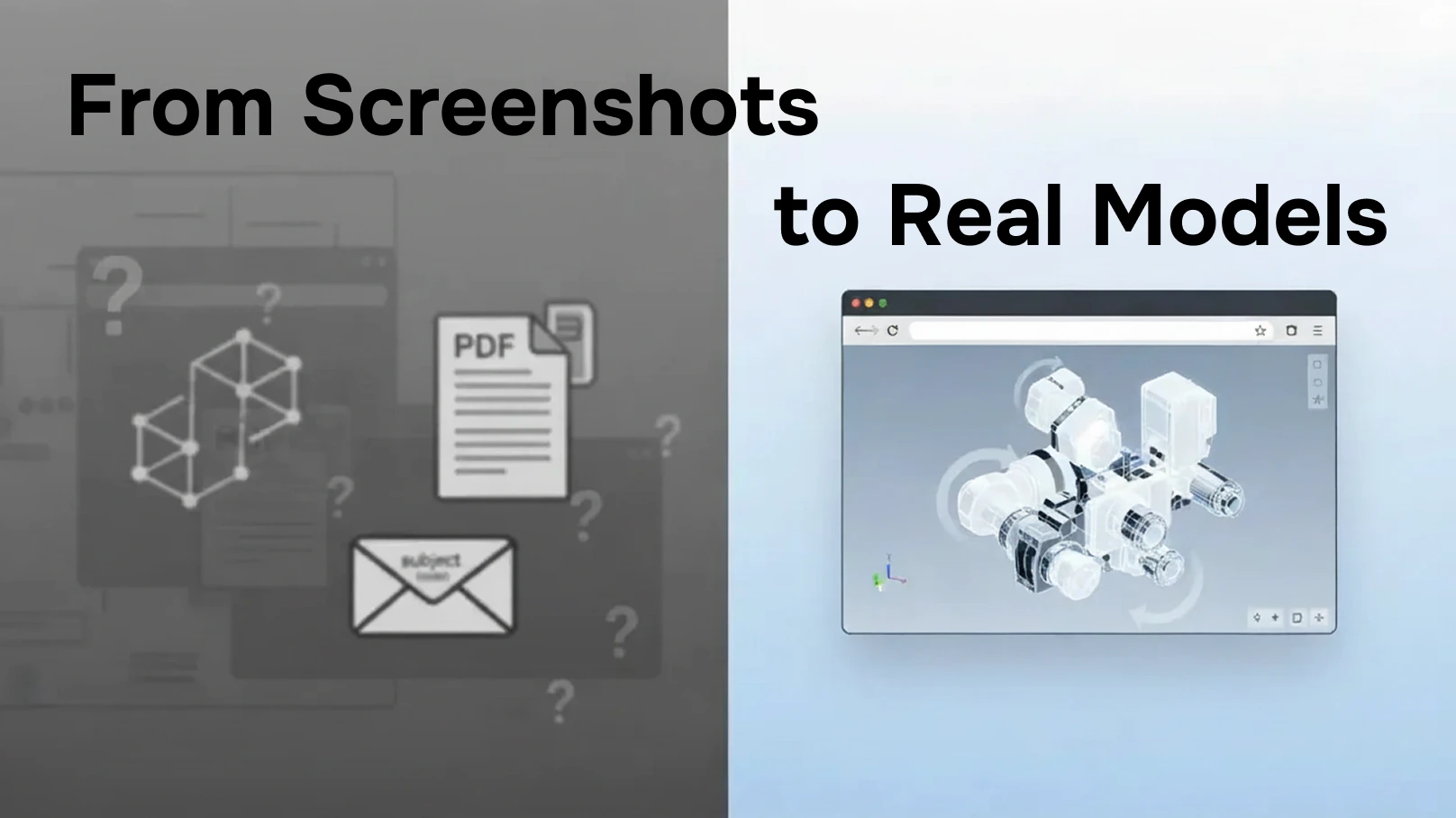
Why screenshots and PDFs undermine reviews

Static exports are often used as a workaround, but they introduce new problems:

  • No ability to rotate or inspect geometry
  • Important details hidden or lost
  • Unclear which version is being reviewed
  • Feedback disconnected from the actual model

Without interactive viewing, reviewers cannot give precise or actionable input.

What effective design reviews require

Successful design reviews outside engineering require three things:

  1. Visual access - reviewers must see the real model
  2. Context - designs must live alongside discussions and decisions
  3. Continuity - the same model should be accessible across tools

When CAD files can be viewed directly in Outlook, Jira, and Confluence, design reviews become inclusive and efficient rather than fragile.

A support team described the shift clearly:

“We stopped debating screenshots and started discussing the actual model. That alone reduced our review cycles.”

The impact of accessible, collaborative CAD reviews

Teams that modernize design reviews experience:

  • Fewer review meetings
  • Faster approval cycles
  • Clearer, more actionable feedback
  • Better alignment between engineering and the business

Importantly, feedback stays anchored to the design, not scattered across emails and chat threads.

Final takeaway

Design reviews fail when stakeholders cannot see what they are reviewing.
They succeed when CAD files are accessible, interactive, and embedded in everyday tools.

Making CAD models visible beyond engineering is not a technical upgrade—it is a collaboration upgrade.

Make design reviews visual, accessible, and decision-driven.

Check out our Manufacturing and Construction Collection: Model Viewer for Outlook, Model Viewer for Jira and Model Viewer for Confluence.

Articles you might like

Sales, Support, and Procurement Don’t Need CAD Software - They Need Answers
January 9, 2026
Sales, Support, and Procurement Don’t Need CAD Software - They Need Answers
Sales, support, and procurement do not need CAD software.They need clarity, speed, and confidence.When CAD files are accessible where work happens - email, tickets, and documentation, teams move faster without sacrificing accuracy.Enable CAD visibility for business teams—without adding CAD complexity‍
Read more >
When CAD Files Break the Workflow: How Non-Engineers Get Stuck Between Email, Jira, and Confluence
January 9, 2026
When CAD Files Break the Workflow: How Non-Engineers Get Stuck Between Email, Jira, and Confluence
Most modern products are designed in CAD tools - but most decisions about those products are not made in CAD tools.
Read more >
Confluence CAD Integration: Manage and View CAD Files in Confluence
September 1, 2025
Confluence CAD Integration: Manage and View CAD Files in Confluence
Engineering, architecture, and design teams rely on CAD files to communicate complex ideas. But sharing these files in documentation platforms can be painful - especially when stakeholders don’t have access to expensive CAD software.Confluence CAD integration solves this problem by letting teams embed, view, and collaborate on CAD files directly within Confluence.
Read more >

Articles you might like

New blog posts

Sales, Support, and Procurement Don’t Need CAD Software - They Need Answers
January 9, 2026
Sales, Support, and Procurement Don’t Need CAD Software - They Need Answers
Sales, support, and procurement do not need CAD software.They need clarity, speed, and confidence.When CAD files are accessible where work happens - email, tickets, and documentation, teams move faster without sacrificing accuracy.Enable CAD visibility for business teams—without adding CAD complexity‍
Read more >
When CAD Files Break the Workflow: How Non-Engineers Get Stuck Between Email, Jira, and Confluence
January 9, 2026
When CAD Files Break the Workflow: How Non-Engineers Get Stuck Between Email, Jira, and Confluence
Most modern products are designed in CAD tools - but most decisions about those products are not made in CAD tools.
Read more >
Why Design Reviews Fail Outside Engineering — and How to Fix Them
January 9, 2026
Why Design Reviews Fail Outside Engineering — and How to Fix Them
Design reviews fail when stakeholders cannot see what they are reviewing.They succeed when CAD files are accessible, interactive, and embedded in everyday tools.Making CAD models visible beyond engineering is not a technical upgrade—it is a collaboration upgrade.Make design reviews visual, accessible, and decision-driven.
Read more >
Get productivity tips delivered straight to your inbox
Thank you! Your submission has been received!
Oops! Something went wrong while submitting the form.
Atlassian Logo
Platinum Marketplace Partner
AICPA Logo
SOC 2 Type II Certified
Gitlab Logo
GitLab Official partner
EU GDPR Logo
EU GDPR Compliant
Google Logo
Google Partner
Microsoft Logo
Microsoft Partner