













The problem: CAD-driven decisions made by non-CAD users
In many organizations, critical decisions depend on CAD files - but the people making those decisions are rarely engineers.
Sales teams review customer drawings before issuing quotes.
Support teams receive CAD attachments in Jira tickets.
Procurement teams approve supplier designs before committing budget.
Yet these teams are often forced to rely on screenshots, PDFs, or second-hand explanations because they cannot open CAD files themselves.
The result is not just inconvenience - it is delay, risk, and unnecessary dependency on engineering.
Where teams lose time (and confidence)
Non-engineering teams face the same recurring issues:
- CAD files arrive via email but cannot be opened
- Jira tickets include attachments no one can inspect
- Supplier drawings are approved without full understanding
- Engineering becomes a bottleneck for basic confirmation
One sales leader summarized it simply:
“Our sales team used to wait days for engineering just to confirm whether a design was manufacturable. Now they can open the model directly from email, inspect it themselves, and move the deal forward.”
Waiting for answers slows revenue, frustrates customers, and distracts engineering from high-value work.
Why CAD licenses are the wrong solution
Giving business teams access to full CAD software rarely works:
- Licenses are expensive
- Tools are complex
- Training takes time
- Editing capabilities introduce risk
Most teams do not need to edit CAD files.
They need to see, understand, and validate them.
This distinction is critical.
What business teams actually need from CAD files
Across sales, support, and procurement, the requirements are consistent:
- Open CAD files instantly, without installation
- View 2D and 3D models in a browser
- Rotate, zoom, and inspect structure
- Confirm that a design matches expectations
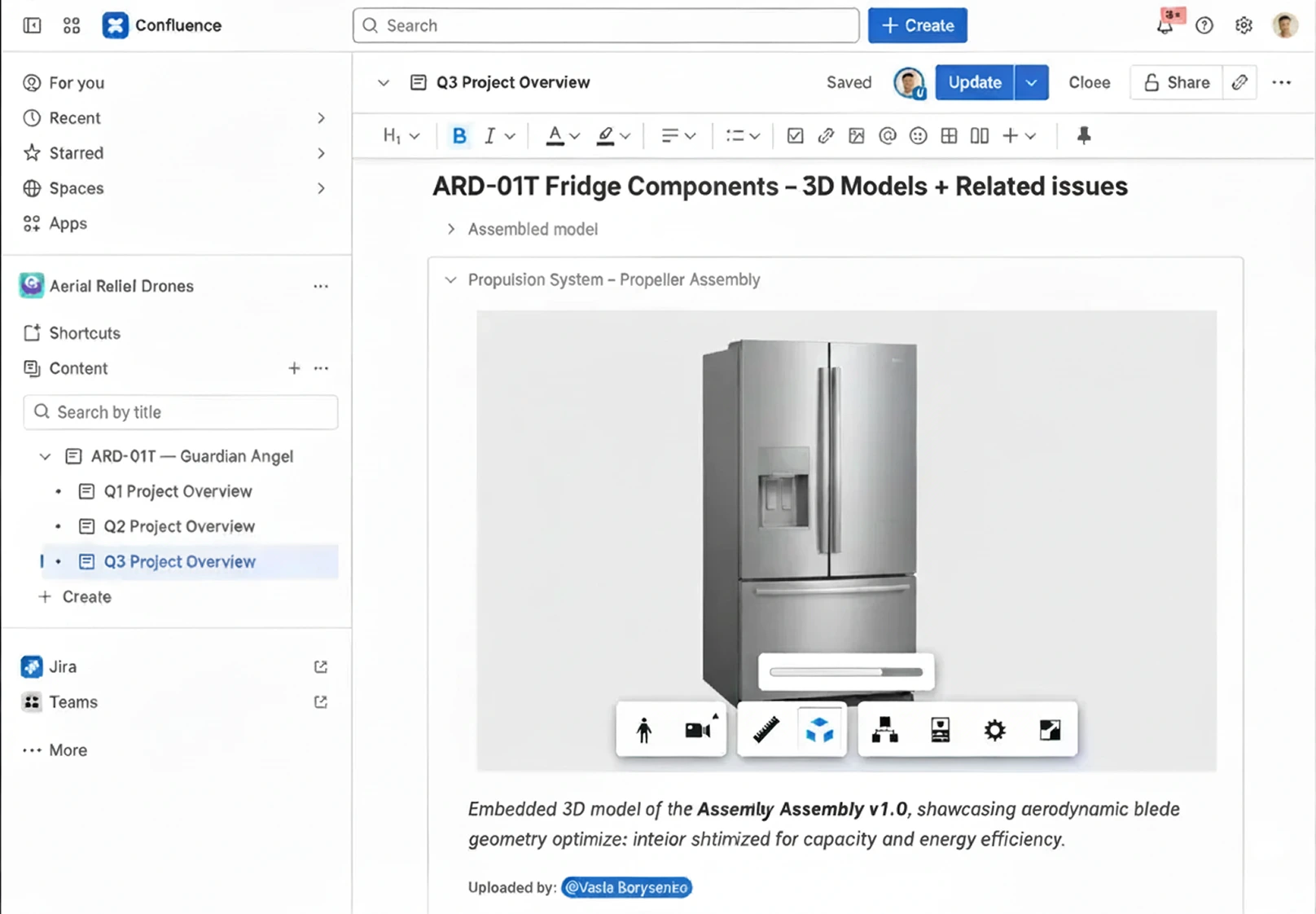
When this capability is available directly in Outlook, Jira, and Confluence, CAD files stop being blockers and start becoming shared context.
A support manager described the impact this way:
“Support tickets often included CAD attachments we couldn’t open. We were guessing based on screenshots. Viewing the model directly inside Jira changed how quickly we could understand and respond.”
The business impact of accessible CAD viewing
Organizations that enable CAD viewing for non-engineering teams see measurable improvements:
- Faster quote turnaround
- Fewer escalations to engineering
- Reduced approval risk
- More confident customer communication
Procurement teams, in particular, benefit from direct visibility:
“Procurement approvals were delayed because reviewers didn’t understand what they were approving. Being able to inspect supplier models without CAD software removed that uncertainty.”
Final takeaway
Sales, support, and procurement do not need CAD software.
They need clarity, speed, and confidence.
When CAD files are accessible where work happens - email, tickets, and documentation, teams move faster without sacrificing accuracy.
Enable CAD visibility for business teams - without adding CAD complexity
Check out our Model Viewers Collection: Model Viewer for Outlook, Model Viewer for Jira and Model Viewer for Confluence.