















































Change one due date in Jira and every task that depends on it should move too. Jira doesn't do that on its own, so most teams end up shifting dates by hand, one linked issue at a time, and hoping nothing gets missed.
Today we're launching Platypus, listed on the Atlassian Marketplace as Auto-Reschedule Linked Tasks: Dependency Dates for Jira. When a date changes, Platypus recalculates the dates of every dependent issue, down the whole chain and across projects.
Try it free on the Atlassian Marketplace →
What Platypus does
- Cascading dates: when an issue's dates move, the issues that depend on it move with it, through deep chains and across projects.
- Working-day aware: set your working week (Monday to Friday by default, or patterns such as a Friday-Saturday weekend) and a default gap in business or calendar days. Each dependent task is scheduled to start that gap after the task it depends on, and keeps its duration when you use start dates.
- Automatic, or preview first: choose per project. In Automatic mode dependent dates update right away. In Preview & confirm mode you see every affected issue with its old and new dates, and which issue caused the move, before anything is written.
- Anchors for fixed deadlines: give an issue your anchor label and its dates never move. The cascade stops there, which is useful for approval or compliance deadlines.
- Reschedule on demand: use Reschedule dependents… from the issue's ••• menu whenever you need to.
- Due dates only, if you prefer: start dates are optional. Without them, Platypus moves due dates only. Quick successive edits are combined into a single cascade.
- A clear activity log: see what was rescheduled and why an issue was skipped (anchored, circular link, already resolved, date in the past, or a size limit). Export it to CSV. Entries are kept for 60 days.
How it works, in one example
Say your release plan is a chain of issues linked with blocks: Design blocks Build, Build blocks Test, and Test blocks Launch, which carries your anchor label because the launch date is fixed.
Design slips by two working days. Platypus reschedules Build and then Test so that each one still starts after the task it depends on, counting working days and skipping the weekend. Launch stays where it is because it's anchored, so you can see right away whether Test still finishes in time. In Preview & confirm mode, a reviewer checks the proposed changes and clicks Confirm & apply. Nothing changes until they do.
Set it up in a few minutes
- Install Platypus from the Atlassian Marketplace.
- Open the Platypus settings in Jira. It's active for all projects by default; limit it to specific projects if you prefer.
- Pick your Start and Due date fields (custom date fields work too), the link types that count as dependencies (Blocks is selected by default), your working week and the default gap between tasks.
- Choose the apply mode for each project: Automatic or Preview & confirm.
- Optionally set an anchor label, filter by issue type, pause notifications while a cascade runs, or roll a parent or epic due date up to its latest child. Then run Test configuration to check everything before you go live.
The full walkthrough is in the documentation: How to get started and How to configure it.
Safe by design
- Built-in limits: a cascade stops at 100 levels deep or 1,000 issues, so a misconfigured link can't ripple through your whole site.
- Circular links are caught: if issues depend on each other in a loop, Platypus stops and logs a warning instead of guessing.
- Runs on Atlassian: the app carries Atlassian's Runs on Atlassian badge on the Marketplace.
Good to know
- Inside Jira the app appears as Platypus; on the Marketplace it's listed as Auto-Reschedule Linked Tasks: Dependency Dates for Jira.
- Platypus is available for Jira Cloud.
- Want the details first? Read the Platypus user documentation.
More new from Move Work Forward
- Moving from Data Center to Cloud? Our apps move with you
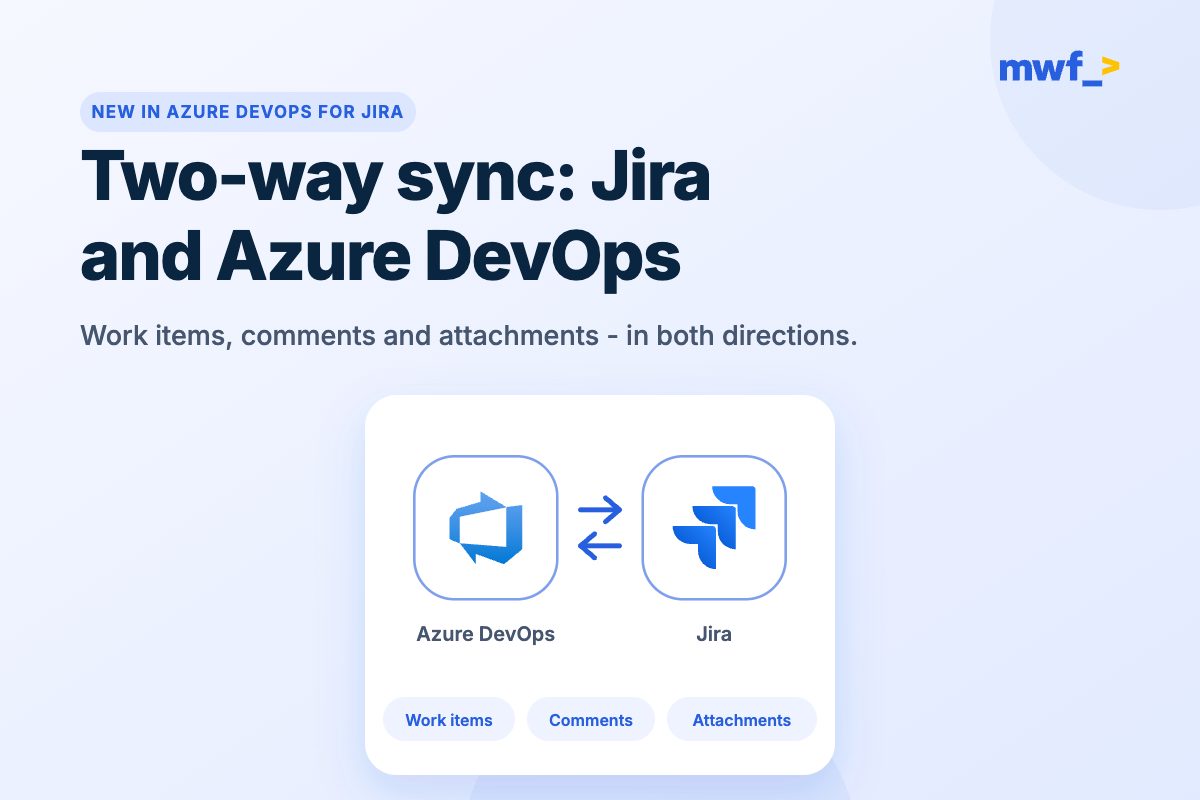
- Two-way sync between Jira and Azure DevOps is here
Keep reading
- Jira best practices for admins and teams
- Practical Jira tips for admins
- Boost your Jira workflow: 3 must-know tips
Try Platypus today
Stop chasing dates by hand. Install Platypus, connect your dependency links and let the schedule keep itself up to date.