










Back
All posts

Automate Project Builds Using a Parametrised Jenkins Pipeline in Bitbucket Server

April 24, 2026
Automate Project Builds Using a Parametrised Jenkins Pipeline in Bitbucket Server

Objective

We want to automate project build using a Parametrised Jenkins Pipeline of the source code stored in Bitbucket Server.

‍

‍

Jenkins Setup

Firstly, we need to install the necessary Jenkins plugins.

Git Parameter - https://plugins.jenkins.io/git-parameter/ - adds git parameters to the Jenkins pipelines, you can use it to specify the branch to check in or any other things used in the Jenkins pipeline.

Build Authorization Token Root Plugin - https://plugins.jenkins.io/build-token-root/ - allows to use the build token for external builds.

Secondly, create a Jenkins Pipeline that checks out and builds the code.

Afterwards, add branch as a parameter.

Jenkins Bitbucket integration setup step 1

Generate an authentication token and make sure you don't share it.

Jenkins Bitbucket integration setup step 2

Add create your super simple pipeline that builds the branch or just print the hello world message.

Jenkins Bitbucket integration setup step 3

Now we are ready for the Bitbucket Server configuration.

Bitbucket Setup

Install the Bitbucket Post Webhooks plugin and navigate to the repository settings to configure the triggers.

The url should be in the following format and parameters are passed in the url.

http://jenkins.mwf-test.com:8080/buildByToken/buildWithParameters?token=super-secret-access-token-123&job=Pipeline-01&Branch=master

Jenkins Bitbucket integration setup in Bitbucket Server step 1

Click the test connection to see if it triggers the message.

Jenkins Bitbucket integration setup in Bitbucket Server step 2

Select the triggers for the notifications., For instance, it makes sense to sell "On push".

Push the code to your master branch and trigger the build!

View of triggered builds in Jenkins
View of triggered Jenkins pipelines

Enjoy the building and welcome to our world!

‍

Related Integration Guides

Articles you might like

Unlock Microsoft Teams
March 23, 2026
Unlock Microsoft Teams
You can unlock Microsoft Teams by integrating it with tools your team uses.For Software development teams it can be Jira, Confluence, Bitbucket and Bamboo.For HR teams Workday and other HR systems.For Sales teams it can be CRM integration.
Read more >
Bring information from GitHub into Confluence
June 14, 2026
Bring information from GitHub into Confluence
Learn how to extract your technical documentation, files, and source code from Github to Confluence by integrating these two apps together. Read more.
Read more >
Atlassian tool help enterprises accelerate DevOps adoption
March 23, 2026
Atlassian tool help enterprises accelerate DevOps adoption
Atlassian connects development, IT operations, and agile teams with automation that spans our products and third-party tools. Your team can bring the tools they want, select from our tools, or use a mix of both.
Read more >

Articles you might like

New blog posts

Meet Platypus: Jira Dates That Reschedule Themselves
October 19, 2026
Meet Platypus: Jira Dates That Reschedule Themselves
Change one due date in Jira and every dependent task moves with it. Platypus cascades dates across linked issues, works in business days and lets you preview every change.
Read more >
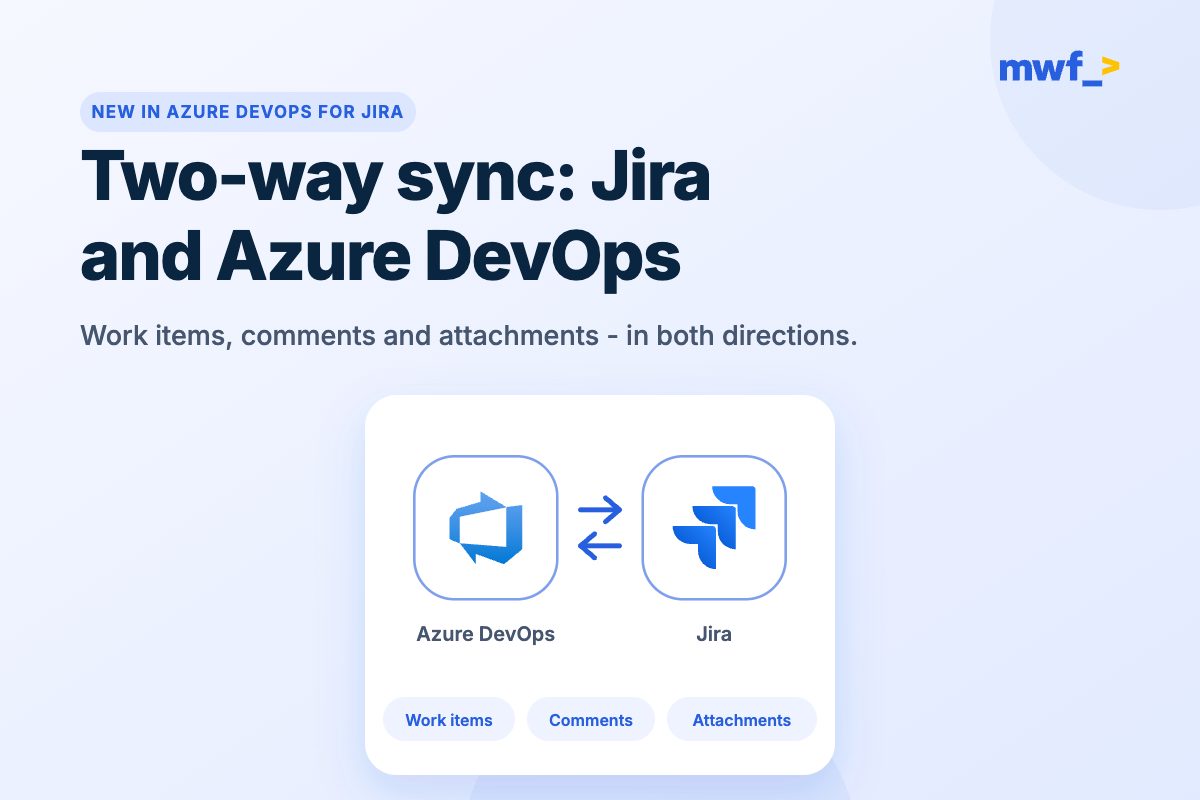
Two-Way Sync Between Jira and Azure DevOps Is Here
October 19, 2026
Two-Way Sync Between Jira and Azure DevOps Is Here
Our most requested feature is live: two-way sync between Jira and Azure DevOps. Work items, comments and attachments now stay in sync in both directions.
Read more >
Moving From Data Center to Cloud? Our Apps Move With You
October 19, 2026
Moving From Data Center to Cloud? Our Apps Move With You
Five Move Work Forward apps now support Data Center to Cloud migration. Here's what moves automatically, what you set up again in Cloud, and the guide for each app.
Read more >
Get productivity tips delivered straight to your inbox
Thank you! Your submission has been received!
Oops! Something went wrong while submitting the form.
Atlassian Logo
Platinum Marketplace Partner
AICPA Logo
SOC 2 Type II Certified
Gitlab Logo
GitLab Official partner
EU GDPR Logo
EU GDPR Compliant
Google Logo
Google Partner
Microsoft Logo
Microsoft Partner