Back
All posts

Setting Up Jira Service Management: A Complete Guide

May 25, 2026
<a href="https://www.freepik.com/free-vector/business-team-brainstorm-idea-lightbulb-from-jigsaw-working-team-collaboration-enterprise-cooperation-colleagues-mutual-assistance-concept-pinkish-coral-bluevector-isolated-illustration_11667116.htm#query=collaboration&position=2&from_view=keyword&track=sph&uuid=21ea3c1d-7461-49c7-9157-5822c4372896">Image by vectorjuice</a> on Freepik

Jira Service Management was introduced by Atlassian when data showed nearly 40% of customers had adopted Jira to handle service requests. It is now a powerful tool used ITSM, Customer service and HR Teams with cloud and server hosting options, in this blog post we provide a quick guide on setting up Jira Service Management.

Implementing Jira Service Management can transform your organization's service delivery and elevate customer satisfaction. In this blog post, we provide a step-by-step guide to help you set up the cloud-based Jira Service Management, including defining requirements, choosing the right deployment option, configuring the instance, and implementing service management processes.

  • Sign up for a Jira Service Management cloud instance
  • Customise your instance by configuring project settings, issue types, and request types.
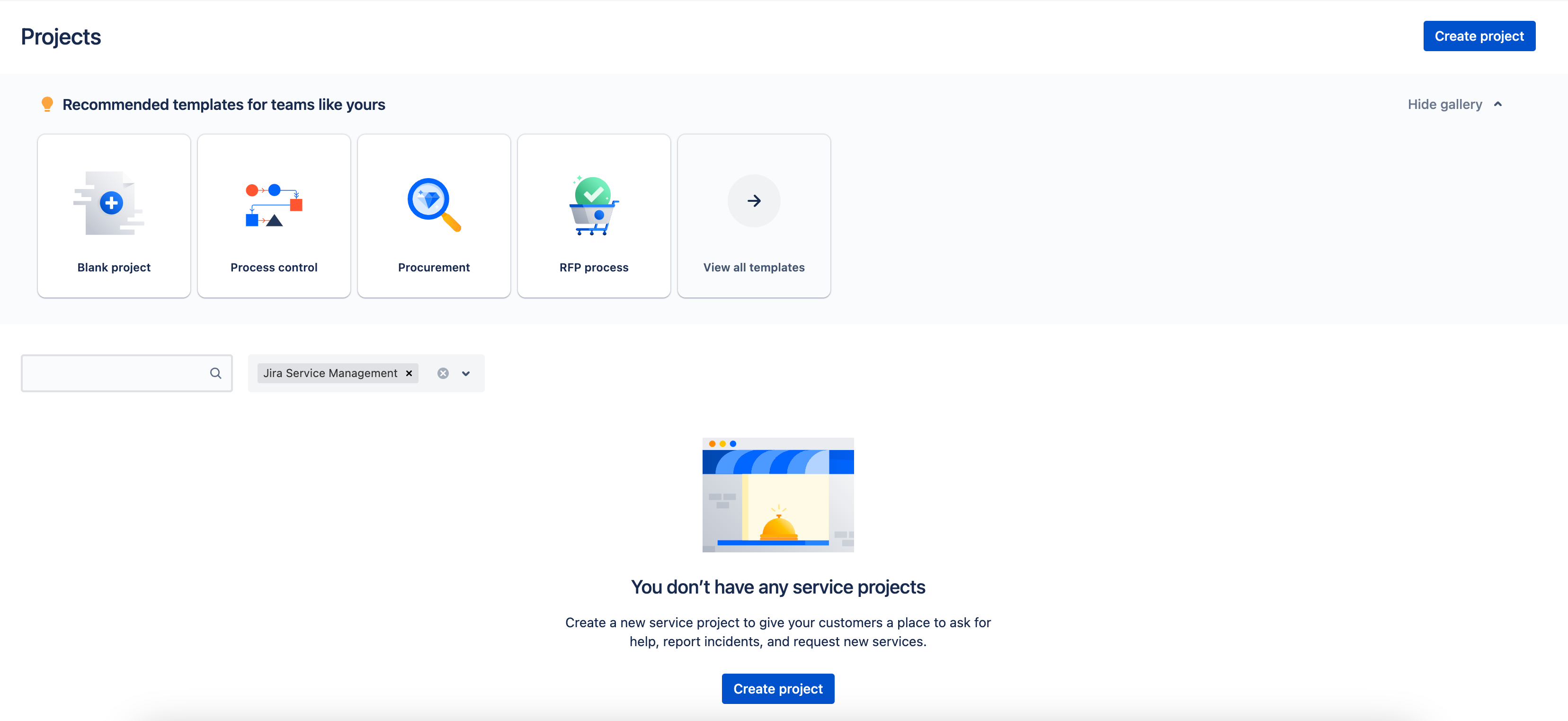
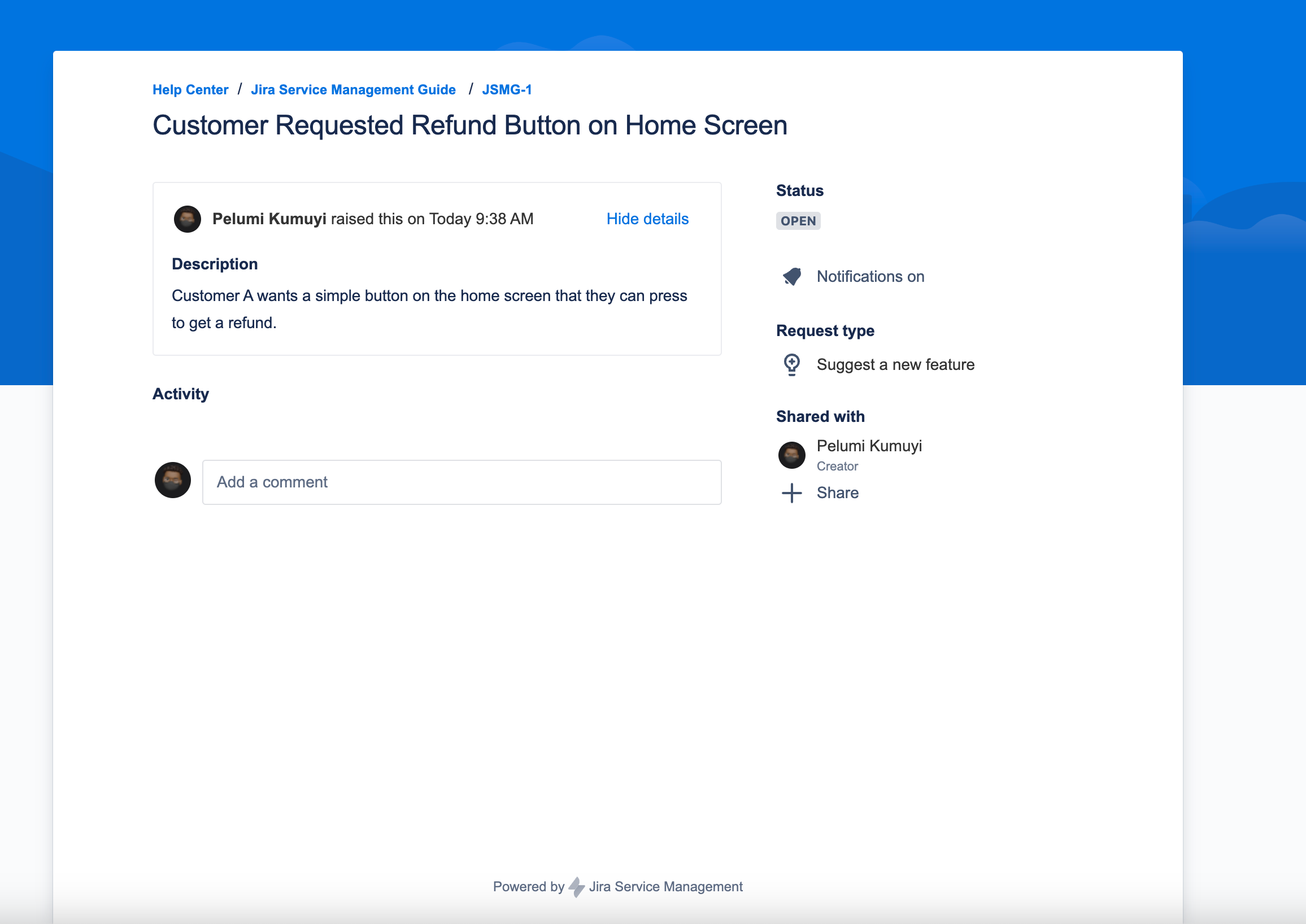
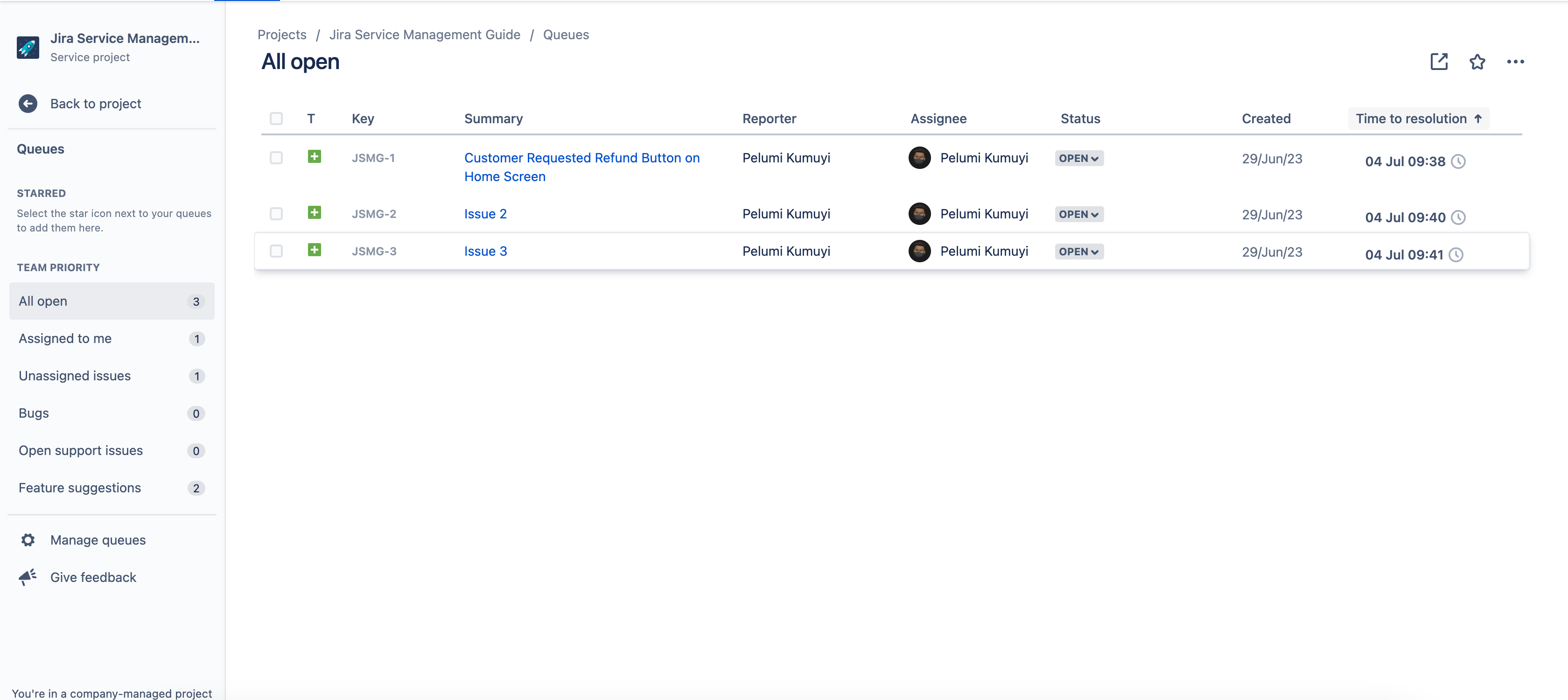
In this sample, we used a customer service project template and then created some issues (see below)
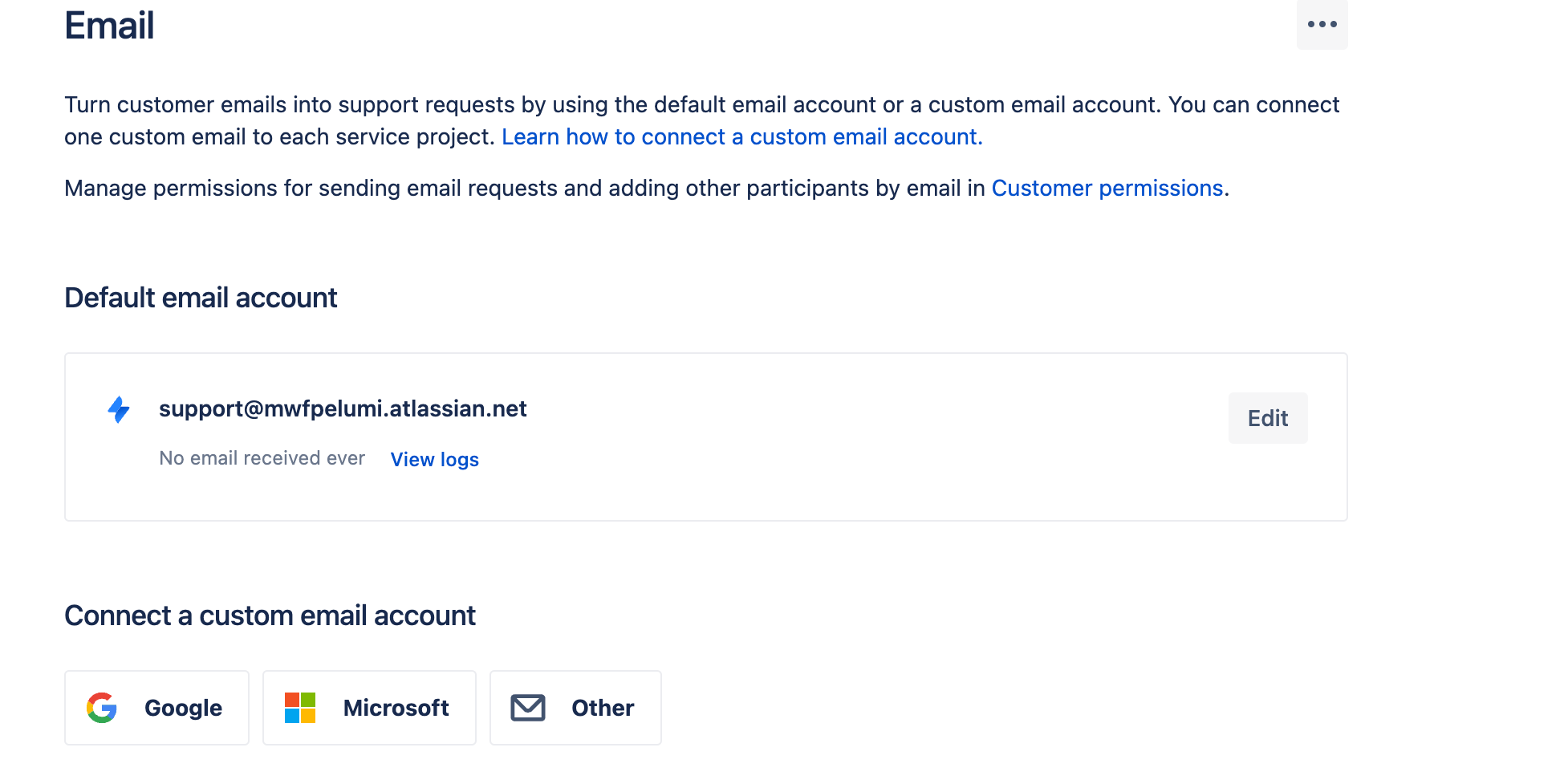
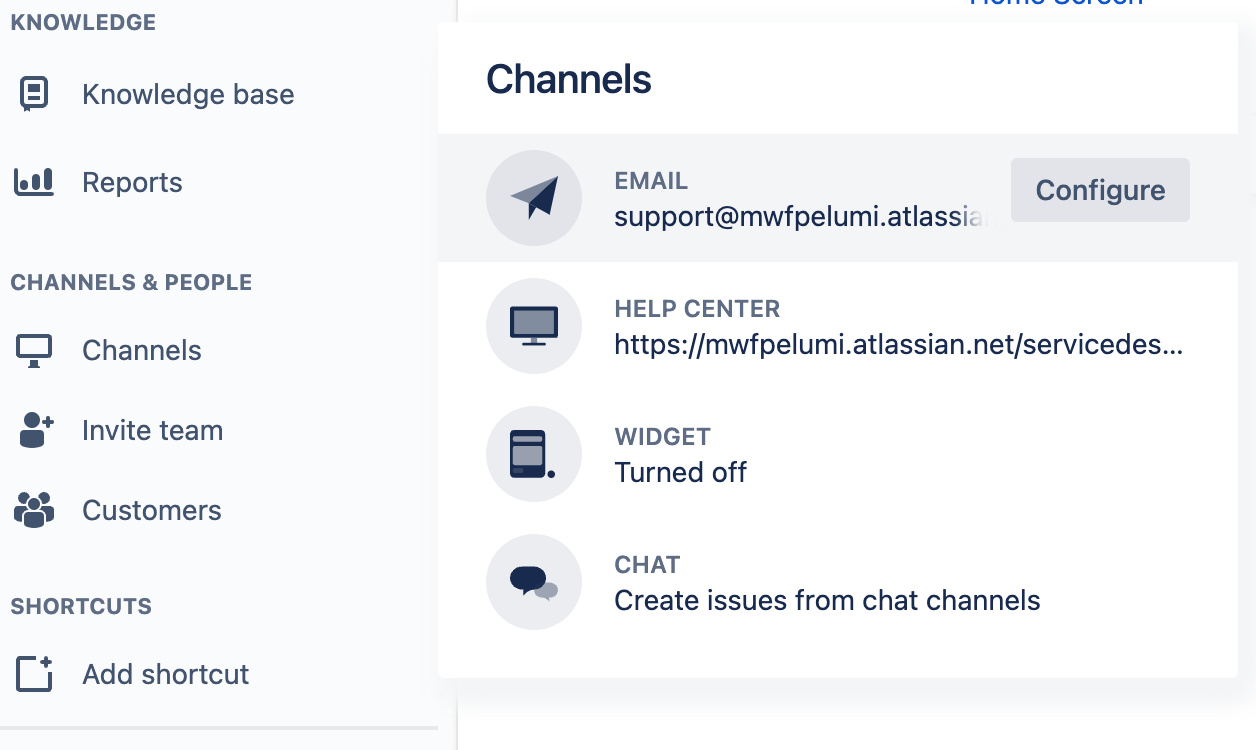
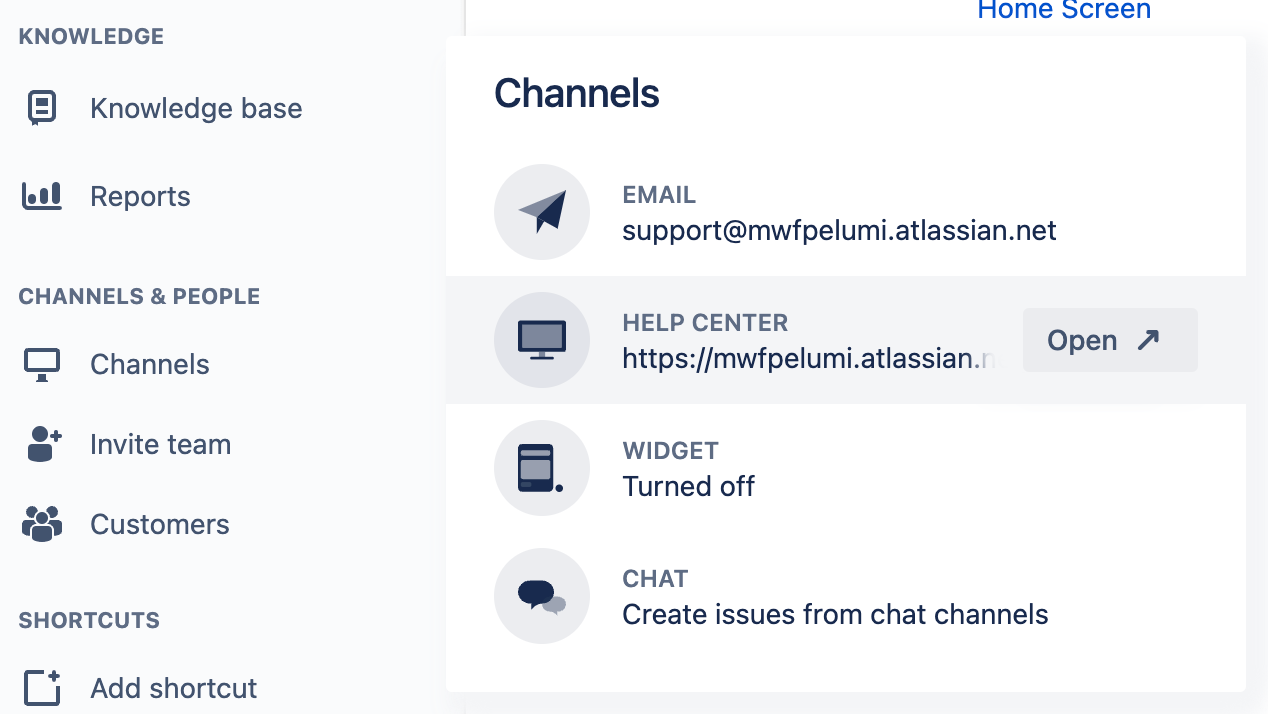
  • Set up customer portals and email channels for efficient communication.
  • Define Service Management Processes: Define your incident management, problem management, change management, and service request processes within Jira Service Management.
  • Customise workflows, SLAs, and automation rules to align with your organization's best practices.
  • Configure Knowledge Base and Self-Service Portal: Create a knowledge base to provide self-help resources for customers and internal teams.
  • Create a knowledge base to provide self-help resources for customers and internal teams.
The knowledge base also comes with helpful templates to create articles for customers, like How-to guides.

Set up a self-service portal to allow users to submit and track their requests.
Your team can make even more customisations to suit your team and company's unique processes and needs, for example by integrating the Advanced Microsoft Teams Connector for Jira you can get real-time updates from Jira service management on Microsoft Teams, so your team is always in the loops with updates and activities from Jira.

You can also

  • Pin a link to the support help desk in a Help Microsoft Teams channel
  • Create a link to the support portal from your product documentation, products and other places to help users create support requests

Extend Jira Service Management

Once your JSM is set up, extend it with Capybara to connect JSM tickets with GitHub, Linear, and Azure DevOps for seamless support-to-development escalation. And use the Advanced Microsoft Teams Connector for Jira to get JSM ticket notifications in Teams.

Last updated: May 2026

Articles you might like

Move Work Forward with Jira for Microsoft Teams App
March 23, 2026
Move Work Forward with Jira for Microsoft Teams App
We released the Move Work Forward with Jira for Microsoft Teams app on the Atlassian Marketplace and Microsoft AppSource. The new Jira Software for Teams app anchors real-time communication to a single view of the work ahead. With the power of two tools in one view, conversations have instant clarity and context, creating better alignment and shorter delivery time. This integration provides less context switching and tab juggling.
Read more >
Jira Best Practices for Admins and Teams: 4 Tips to Improve How You Use Jira
March 23, 2026
Jira Best Practices for Admins and Teams: 4 Tips to Improve How You Use Jira
To make the most of Jira's capabilities it's essential to follow best practices. Here are 4 tips to help you improve your Jira workflows and boost productivity.
Read more >

Articles you might like

New blog posts

The Compass Alternative for Small Teams: DORA-Style Delivery Metrics Right Inside Confluence
June 17, 2026
The Compass Alternative for Small Teams: DORA-Style Delivery Metrics Right Inside Confluence
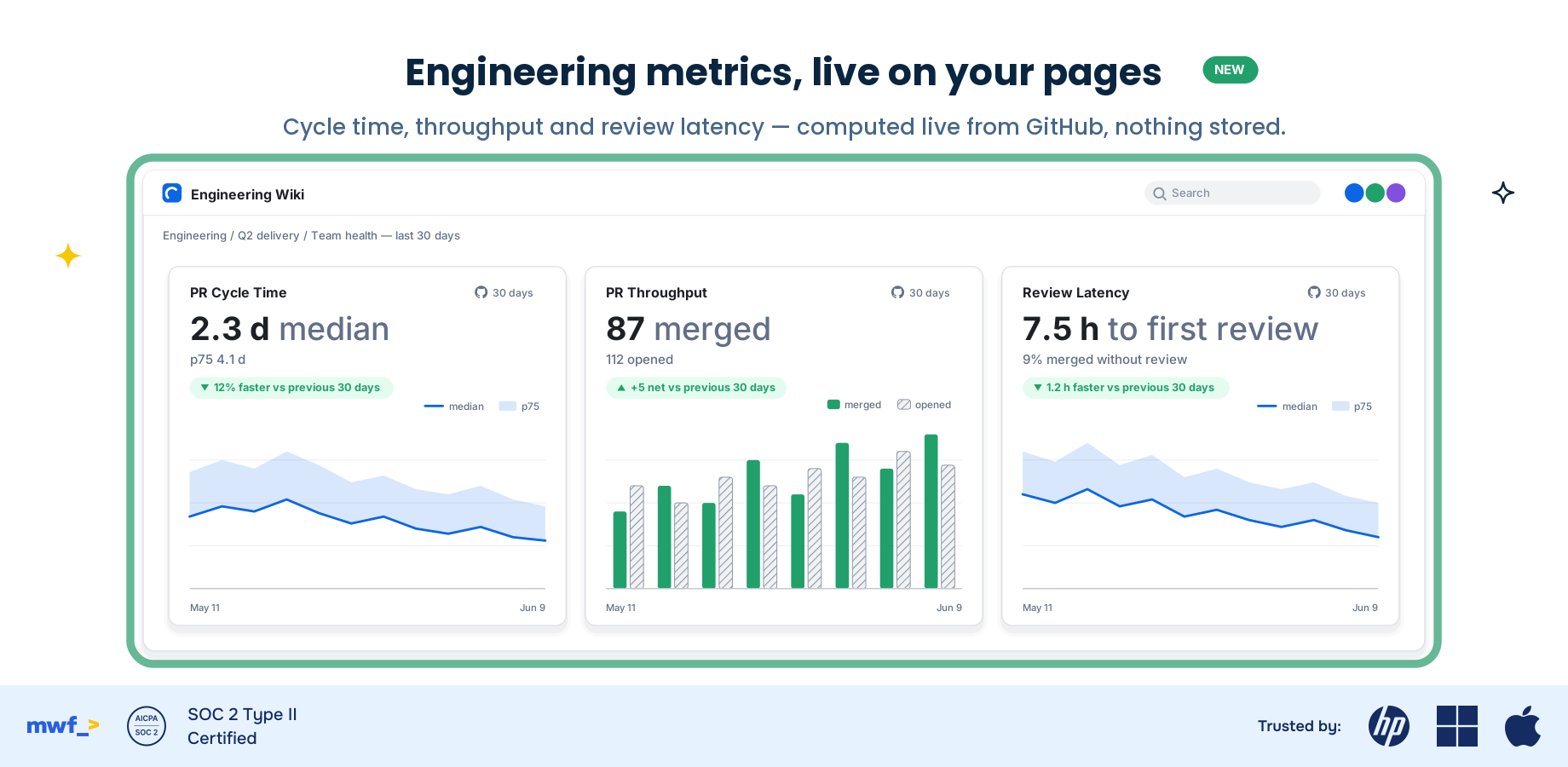
Atlassian Compass is moving to DX. Here's how SMB and mid-market engineering teams keep DORA-style delivery metrics - PR cycle time, throughput, and review latency - live inside Confluence, included in GitHub Links for Confluence, with no code or PR data stored.
Read more >
5 Apps from Connect to Forge in 2 Months: What We Learned
June 17, 2026
5 Apps from Connect to Forge in 2 Months: What We Learned
We moved five of our Atlassian Marketplace apps from Connect to Forge in two months. Here's how we did it, the gotchas we hit, and what we got out of it.
Read more >
Jira Notifications in Microsoft Teams Not Working? Fixes + a Permanent Solution (2026)
June 15, 2026
Jira Notifications in Microsoft Teams Not Working? Fixes + a Permanent Solution (2026)
Jira notifications stopped appearing in Microsoft Teams? The five most common causes — broken OAuth, private channels, webhook errors, noisy defaults, missing filters — with fixes for each, plus the Native-Plus Rule for deciding when the free native app is no longer enough.
Read more >
Get productivity tips delivered straight to your inbox
Thank you! Your submission has been received!
Oops! Something went wrong while submitting the form.
Atlassian Logo
Platinum Marketplace Partner
AICPA Logo
SOC 2 Type II Certified
Gitlab Logo
GitLab Official partner
EU GDPR Logo
EU GDPR Compliant
Google Logo
Google Partner
Microsoft Logo
Microsoft Partner