




















































.png)
In the fast-paced world of software development, efficiency and productivity are paramount. Developers constantly seek tools to streamline workflows, enhance collaboration, and simplify complex tasks.
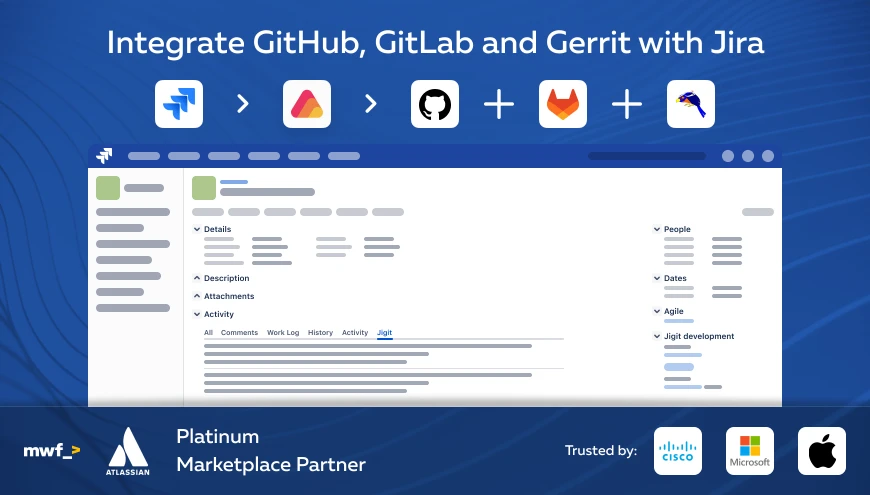
Enter Jigit—a robust development tool designed to revolutionize how teams manage their projects. View your issue related Git activities directly in the Jira's issue view. Streamline development with Jigit Dev Panel on the issue view screen.
What is Jigit?
Jigit is a powerful development tool that integrates seamlessly with GitHub, GitLab, and Gerrit Code Review, the popular version control systems. It offers a comprehensive suite of features to improve code management, facilitate team collaboration, and automate routine tasks. Whether you're a solo developer or part of a large team, Jigit provides the functionalities you need to keep your projects on track.
Key Features of Jigit
1. Enhanced Code Review
Code review is critical to the development process, ensuring code quality and consistency. Jigit simplifies this process with its intuitive interface, allowing developers to comment on specific lines of code, suggest changes, and approve modifications. The built-in code review system helps teams maintain high standards and catch potential issues early.
2. Integrated Issue Tracking
Managing issues and bugs can be challenging, especially in large projects. Jigit integrates with popular issue-tracking systems like Jira, enabling seamless synchronization between your codebase and issue tracker. Developers can link commits to specific issues, making tracking progress easier and ensuring that nothing falls through the cracks.

3. Automated CI/CD Pipelines
Continuous Integration and Continuous Deployment (CI/CD) are essential practices for modern software development. Jigit offers robust support for CI/CD pipelines, allowing developers to automate testing, building, and deployment processes. With Jigit, you can ensure that your code is always in a deployable state, reducing the risk of last-minute surprises.
4. Real-time Collaboration
Collaboration is at the heart of successful development teams. Jigit's real-time collaboration features enable developers to work together seamlessly, whether they're in the same office or distributed across the globe. Shared workspaces, real-time editing, and integrated communication tools make collaborating easier than ever.
5. Advanced Analytics
Understanding your development process is key to continuous improvement. Jigit provides advanced analytics and reporting tools that give you insights into your team's performance. Track metrics like commit frequency, code review turnaround time, and issue resolution rates to identify areas for improvement and celebrate successes.
Getting Started with Jigit
Getting started with Jigit is straightforward. Here's a quick guide to help you set up your first project:
- Install Jigit: Download and install Jigit from the official website. The installation process is simple and well-documented.
- Connect Your Repositories: Link Jigit to your Git repositories. Jigit supports all major Git hosting platforms, including GitHub and GitLab
- Set Up CI/CD Pipelines: Configure your CI/CD pipelines to automate testing and deployment. Jigit provides a variety of pre-built templates to get you started quickly.
- Invite Your Team: Add your team members to Jigit and set up your workspaces. Define roles and permissions to ensure everyone has the right level of access.
- Start Collaborating: Begin using Jigit's collaboration tools to manage your projects, review code, and track issues.
Jigit is a game-changer for developers looking to enhance their productivity and streamline their workflows. With its comprehensive feature set and user-friendly interface, Jigit is poised to become an indispensable tool in your development arsenal.
Give Jigit a try today for FREE and experience the future of software development today.





